Motion · Camera
Layered depth camera moves
Two layered-depth camera moves: multiplane parallax dolly (3 layers at graded speeds pan out depth) and fake dolly-zoom (subject pinned, background swells inward).
Source: video-shotcraft (Vincent Wei) ↗ · Apache-2.0 · Remotion composition (React/TSX) — preview video, no in-browser player
Variants
Multiplane parallax dolly — 3 layers of material pan horizontally at graded speeds (near fast, far slow), flat screenshots slide out into depth.
Fake dolly-zoom — subject pinned motionless while the background layer keeps swelling inward, the mounting pressure of a dramatic build-up.
When to use
For sections where flat screenshots need to feel like they have depth; use dolly-zoom for dramatic build-up moments (≤1 per film).
Intention
A whole-page pan is "looking at the page"; layered depth is "being inside the page's space". Parallax dolly adds depth to a lateral pan (Disney's multiplane-camera principle, the same texture seen in Linear's films); the fake dolly-zoom reverses it — the subject stays perfectly still while the whole world presses in, building tension for a dramatic moment.
Duration & energy
- Duration: Parallax dolly: 4–5s sustained; dolly-zoom: 3–4s single-direction travel.
- Energy: Parallax = Medium (textural); dolly-zoom = Medium-high (mounting pressure)
Shot recipe (original Chinese — timing, easing, parameter table, known pitfalls)
意图
整页平移是"看页面",分层深度是"在页面的空间里"。视差滑轨给横移 加纵深(迪士尼多平面摄影机原理,Linear 片同款质感);伪 dolly-zoom 反过来——主角纹丝不动、全世界压过来,给戏剧性时刻蓄力。
动效核心
- 视差滑轨(3 层):背景整页(系数 0.35 + blur 2px + 降饱和
0.92 + opacity 0.85,退成环境)、中景真实卡切片(系数 0.7, 主阅读层,无 blur)、前景浮块(系数 1.4 + blur 3px,掠过镜头)。 同一条 drive 位移乘各层系数
- 伪 dolly-zoom:主体高清卡固定 px 钉屏中(不参与任何变换);
背景层(整页 + 卡群一体)scale 1→2.25 从画面中心膨胀 + blur 0→3.5px 渐深;主体落影随进程加深(12→28px offset)强化"钉住感"
- 两款都不拆真实页面排版:整页作为一体成层,独立元素用切片另起层
——层间关系是"景深",不是"页面被撕开"
参数表
| 参数 | 典型值 | 调节手感 | |------|--------|----------| | 视差层系数 | 0.35 / 0.7 / 1.4 | 梯度 ≥2 倍层间才可辨;层数 ≤4 防过载 | | 层次锚 | 前后景 blur + 背景降饱和 | 没有 blur/饱和锚,读作"贴片乱飞" | | dolly 膨胀行程 | scale 1→2.0–2.5 | 行程小了压迫感不足;背景 opacity ≤0.6 防读作故障 |
已知坑
- 主阅读层/主体必须高清纹理且无 blur——观众在读它
- 视差与 PageCam rot 3D 的组合(斜拍视差)未验证,实战先渲 still 确认
- dolly-zoom 是"戏剧调料":一支片 ≤1 次,日常段落用视差滑轨
- 参数经占位素材调校转正,非实战定稿,首次实战后回验
参考实现
demos/camera/depth-layer-moves/ (DollyZoomReal.tsx / MultiplaneReal.tsx)
Reference implementation (Remotion)
- demos/camera/depth-layer-moves/DollyZoomReal.tsx — https://raw.githubusercontent.com/Vincentwei1021/video-shotcraft/main/demos/camera/depth-layer-moves/DollyZoomReal.tsx
- demos/camera/depth-layer-moves/MultiplaneReal.tsx — https://raw.githubusercontent.com/Vincentwei1021/video-shotcraft/main/demos/camera/depth-layer-moves/MultiplaneReal.tsx
The component imports shared fixtures from demos/_fixtures and helpers from assets/lib in the repo; SKILL.md there documents the render workflow.
Everything on this page is also machine-readable. Point your agent at the JSON, or add the gimgs MCP server and ask it to search motion templates.
- Fetch the JSON — it holds the shot recipe (timing, easing, parameter table, pitfalls) and the full TSX source.
- Clone the video-shotcraft repo; the component imports shared fixtures from demos/_fixtures and helpers from assets/lib.
- Register the component as a <Composition> in a Remotion project and render with `npx remotion render`, or re-implement the recipe in your own engine.
curl -s https://gimgs.net/motion/depth-layer-moves.jsongit clone https://github.com/Vincentwei1021/video-shotcraft
# component: demos/camera/depth-layer-moves/DollyZoomReal.tsx, demos/camera/depth-layer-moves/MultiplaneReal.tsx
npx remotion render <CompositionId> out.mp4claude mcp add --transport http gimgs https://gimgs.net/mcp
# then: search_motion_templates / get_motion_template("depth-layer-moves")Prompt
Use the video-shotcraft shot recipe "Layered depth camera moves" (Remotion composition, Apache-2.0) published on gimgs.net.
Recipe JSON (prompt = timing/easing/parameter table/pitfalls, files = TSX source): https://gimgs.net/motion/depth-layer-moves.json
Raw TSX: https://gimgs.net/motion/depth-layer-moves/template.html
Repository: https://github.com/Vincentwei1021/video-shotcraft  (component: demos/camera/depth-layer-moves/DollyZoomReal.tsx, demos/camera/depth-layer-moves/MultiplaneReal.tsx; imports demos/_fixtures and assets/lib)
Spec: 1920x1080, 30 fps, 4.54s

1. Read the JSON and follow its "prompt" section (when to use, intention, parameter table, known pitfalls).
2. Adapt it for: <describe what you want>.
3. Either clone the repo, register the component as a <Composition> in a Remotion project and run npx remotion render <CompositionId> out.mp4 — or re-implement the recipe in your own engine (HTML/WAAPI works: keep the same timing and easing).
// ===== demos/camera/depth-layer-moves/DollyZoomReal.tsx =====
// dolly-zoom 滑动变焦(轮 F)——主体卡(card4-hires)大小锁定屏中,
// 背景真实卡群 + 整页反向膨胀逼近(scale + blur 渐深),
// "世界压过来"而主角纹丝不动。伪 dolly-zoom:无需 3D,分层反向补偿。
import { AbsoluteFill, Img, interpolate, staticFile, useCurrentFrame, Easing } from 'remotion';
import layout from '../../_textures/live-layout.json';

export const DOLLYZOOM_DUR = 135;

const BG_CARDS = layout.projects.cards.filter((_, i) => i !== 3);

export const DollyZoomReal: React.FC = () => {
  const frame = useCurrentFrame();
  const t = interpolate(frame, [15, 110], [0, 1], {
    extrapolateLeft: 'clamp', extrapolateRight: 'clamp',
    easing: Easing.bezier(0.4, 0, 0.3, 1),
  });
  const bgScale = 1 + t * 1.25;
  const bgBlur = t * 3.5;
  return (
    <AbsoluteFill style={{ backgroundColor: '#efece6', overflow: 'hidden' }}>
      {/* 背景:整页 + 卡群,从画面中心膨胀逼近 */}
      <div
        style={{
          position: 'absolute', inset: 0,
          transform: `scale(${bgScale})`, transformOrigin: '960px 540px',
          filter: `blur(${bgBlur}px) saturate(0.9)`,
        }}
      >
        <Img src={staticFile('textures/live/projects-full.png')} style={{ position: 'absolute', left: 0, top: -400, width: 1920, opacity: 0.55 }} />
        {BG_CARDS.slice(0, 8).map((c, k) => (
          <Img
            key={c.file + k}
            src={staticFile(`textures/live/${c.file}`)}
            style={{
              position: 'absolute',
              left: [180, 1280, 240, 1220, 700, 760, 60, 1500][k],
              top: [140, 120, 700, 720, 60, 840, 420, 430][k],
              width: 320, borderRadius: 12, opacity: 0.9,
              boxShadow: '0 6px 20px rgba(31,28,23,0.12)',
            }}
          />
        ))}
      </div>
      {/* 主体:高清卡视觉大小恒定钉在屏中,落影渐深强调"世界在动我不动" */}
      <Img
        src={staticFile('textures/live/card4-hires.png')}
        style={{
          position: 'absolute', left: 960 - 260, top: 540 - 228, width: 520,
          borderRadius: 14,
          boxShadow: `0 ${12 + t * 16}px ${40 + t * 28}px rgba(31,28,23,${0.16 + t * 0.10})`,
        }}
      />
    </AbsoluteFill>
  );
};


// ===== demos/camera/depth-layer-moves/MultiplaneReal.tsx =====
// multiplane parallax(轮 E)——真实页面拆 3 层深度横移:
// 背景整页(0.35x,微 blur 退后)+ 中景真实卡组(0.7x)+
// 前景浮块(1.4x,search 切片 + 高清卡,轻 blur 拉焦平面)。
// 系数克制(背景不动排版,卡组独立成层)防"排版散架"。
import { AbsoluteFill, Img, interpolate, staticFile, useCurrentFrame, Easing } from 'remotion';
import layout from '../../_textures/live-layout.json';

export const MULTIPLANE_DUR = 135;

const CARDS = layout.projects.cards.slice(0, 6);

export const MultiplaneReal: React.FC = () => {
  const frame = useCurrentFrame();
  const drive = interpolate(frame, [10, 125], [0, 1000], {
    extrapolateLeft: 'clamp', extrapolateRight: 'clamp',
    easing: Easing.bezier(0.35, 0, 0.25, 1),
  });
  return (
    <AbsoluteFill style={{ backgroundColor: '#efece6', overflow: 'hidden' }}>
      {/* 背景层 0.35x:整页微退焦 */}
      <div style={{ position: 'absolute', inset: 0, transform: `translateX(${-drive * 0.35}px) scale(1.05)`, filter: 'blur(2px) saturate(0.92)', opacity: 0.85 }}>
        <Img src={staticFile('textures/live/projects-full.png')} style={{ position: 'absolute', left: 0, top: -300, width: 2100 }} />
      </div>
      {/* 中景层 0.7x:真实卡组横排(主阅读层) */}
      <div style={{ position: 'absolute', top: 330, transform: `translateX(${-drive * 0.7}px)` }}>
        {CARDS.map((c, k) => (
          <Img
            key={c.file}
            src={staticFile(`textures/live/${c.file}`)}
            style={{
              position: 'absolute', left: 200 + k * 480, top: (k % 2) * 40,
              width: 420, borderRadius: 12,
              boxShadow: '0 8px 28px rgba(31,28,23,0.14)',
            }}
          />
        ))}
      </div>
      {/* 前景层 1.4x:浮块掠过(search 切片 + 高清卡),轻 blur */}
      <div style={{ position: 'absolute', inset: 0, transform: `translateX(${-drive * 1.4}px)`, filter: 'blur(3px)' }}>
        <Img src={staticFile('textures/live/float-search.png')} style={{ position: 'absolute', left: 900, top: 150, width: 700, borderRadius: 22, boxShadow: '0 12px 36px rgba(31,28,23,0.18)' }} />
        <Img src={staticFile('textures/live/card4-hires.png')} style={{ position: 'absolute', left: 2100, top: 700, width: 380, borderRadius: 12, boxShadow: '0 12px 36px rgba(31,28,23,0.20)' }} />
      </div>
    </AbsoluteFill>
  );
};
- Read the recipePrompt = when to use, intention, parameter table with typical values and how each one feels, known pitfalls. Treat values as calibrated starting points.
- Get the codetool: git
git clone https://github.com/Vincentwei1021/video-shotcraft && cd video-shotcraft && npm install - Register + rendertool: remotion
npx remotion render <CompositionId> out.mp4 # component: demos/camera/depth-layer-moves/DollyZoomReal.tsx, demos/camera/depth-layer-moves/MultiplaneReal.tsx - Or re-implementPort the timing/easing from the recipe to HTML + WAAPI (gimgs motion contract) or any engine; keep the same segment windows and easing.
| param | type | default | description |
|---|---|---|---|
| — | |||
More in this category
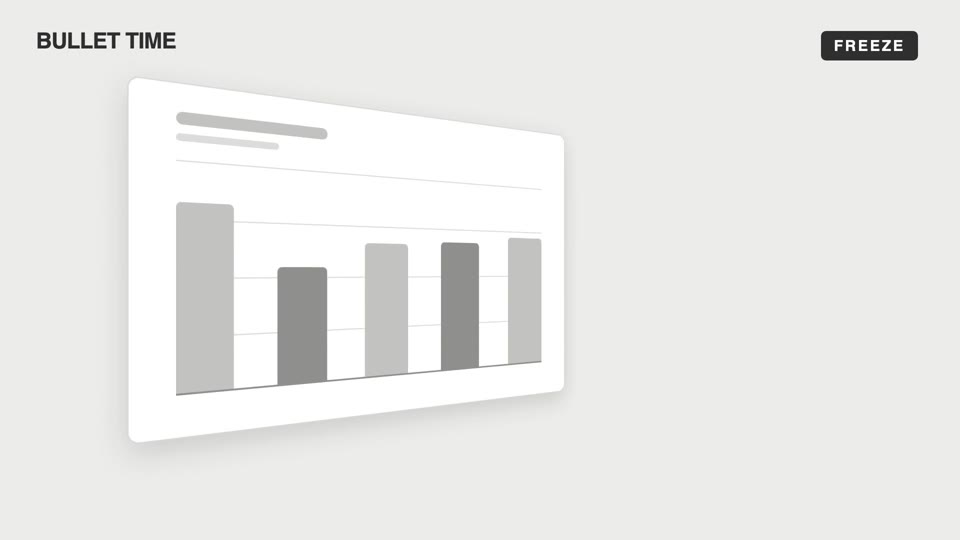
Emotional camera moves
Four emotional camera moves — bullet-time freeze-orbit, dutch-roll to level, slow-push-in, and pull-back isolation; the camera makes the viewer "feel" rather than "see."
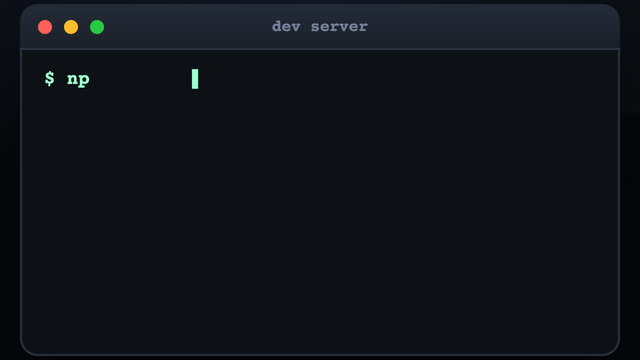
3D terminal flythrough
Three terminal windows scattered in 3D space; the camera flies between them with a sinusoidal pull-back en route, typing out a command at each stop as results slide out line by line.
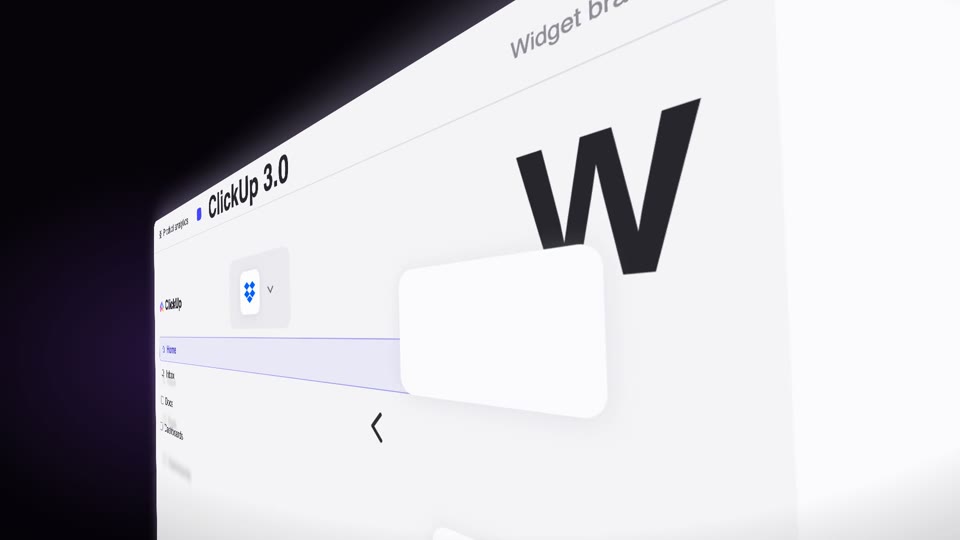
Steep-tilt page glide
A fixed camera holds an upright page in a strong 60° perspective tilt (near right, far left); the page glides sideways across the lens on its own (the object moves, not the camera), with speed-streak afterimages and floating text settling as it lifts from dark to light.
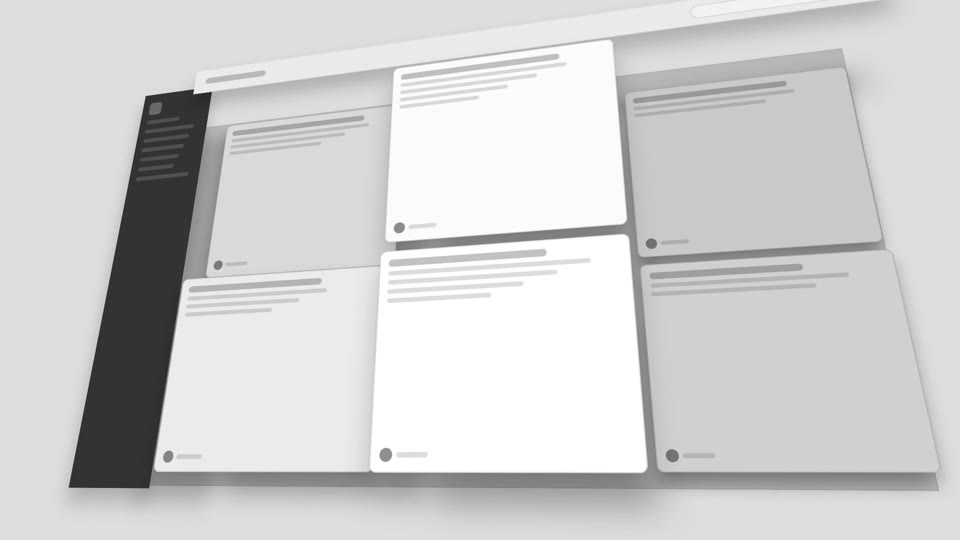
3D space camera moves
Two 3D spatial camera moves — exploded-view (parts blow apart along Z then reassemble) and drone-dive-landing (a drone dives and lands).