Motion · Data
Hatch to real data
Diagonal-hatched placeholder bars wipe-extend, then the hatching fades as a solid accent-colored layer fades in with values popping up, the placeholder chart turning into a real bar chart.
Source: video-shotcraft (Vincent Wei) ↗ · Apache-2.0 · Remotion composition (React/TSX) — preview video, no in-browser player
When to use
The "from draft to real data" narrative beat; a dashboard/report feature intro, or a segment emphasizing real-time data.
Intention
Shoot the product moment of "a placeholder becoming real data" as a visible material transformation: first, 45° diagonal-hatched bars sketch the sense of "data will go here", then a solid color layer replaces them in place — the geometry never moves, only the skin changes — what the audience reads is "the same thing came alive".
Duration & energy
- Duration: About 4.4s (132f@30fps; growth 0–1.7s · transformation 2.2–3.4s · a settling micro-tremor)
- Energy: Medium (progressive information, no explosive peak; the material transition itself creates the "it's live" moment)
Shot recipe (original Chinese — timing, easing, parameter table, known pitfalls)
意图
把"占位符变成真数据"这个产品瞬间拍成看得见的材质转换:先用 45° 斜纹条画出"这里将有数据"的草稿感,再让实心色层原位替换——几何完全不动、只换皮肤,观众读到的是"同一样东西活了"。
动效核心
- 5 条横柱按
0.06 + i*0.05错峰生长,各 0.22 时长outCubicwipe 伸长到目标宽度(0.4–0.95 归一化) - 生长阶段斜纹层(
repeating-linear-gradient 45°+ 同色描边)与实心层同宽同步长,但实心层 opacity=0——蜕变只是交叉淡化,宽度曲线共用,保证几何零跳变 - t=0.5 起按
0.5 + i*0.03逐条蜕变(0.14 时长):斜纹1-morph淡出、实心morph淡入,标签同拍从灰变暗灰(视觉重心让给数据) - 数值文字
w*420 K挂在柱端left: calc(w% + 8px),随蜕变淡入 - t=0.7–0.85 全体柱宽乘
1 + sin(t*30 + i*2.1)*0.02微颤——"活数据在呼吸"的暗示 - 表头 METRICS ● LIVE 行 t=0.62–0.78 从上方 30px 滑入,宣告蜕变完成
参数表
| 参数 | 典型值 | 调节手感 | |------|--------|----------| | 错峰间隔 | 生长 0.05/条、蜕变 0.03/条 | 生长间隔可到 0.08 增强"逐条点亮";蜕变间隔别超 0.05,拖长会读作故障闪烁 | | 生长时长 | 0.22(outCubic) | 缩到 0.15 更利落;配合错峰保证末条 ≤0.5 长完,给蜕变留窗口 | | 蜕变窗口 | 0.5 起、每条 0.14 交叉淡化 | 这是卡点位——BGM 重音应压在首条蜕变(t=0.5)上 | | 柱宽数据 | [0.85, 0.55, 0.95, 0.4, 0.7] | 换成真实数据比例即可;最长条 ≥0.9 保证画面有满幅锚点 | | 微颤幅度 | ±2%,t=0.7–0.85 | >4% 读作抖动 bug;不想要"呼吸感"可归零,但收尾会偏死板 | | 强调色 | ACCENT='#5B8DEF' / ACCENT_HI='#8FB2F7' | 双常量整体换肤;HI 用于数值文字,保持同族但更亮 |
已知坑
- 斜纹层和实心层宽度必须共用同一条
grow曲线——分开算会在蜕变瞬间产生 1–2px 宽度跳变,"原位换皮"的错觉立刻穿帮 - 标签(SERIES_A 等)是占位词,换项目真实指标名时注意 70px 定宽标签列,超长会被裁
- 数值
w*420是演示映射,接真数据时换成实际数值格式化函数,但保持"随 grow 滚动"(终值 ×grow)的读数感 - 微颤用全局 t 驱动(
sin(t*30)),改动画总时长 dur 会改变颤动频率,需重新目检
参考实现
demos/data/hatch-depth/ (HatchDepth.tsx)
Reference implementation (Remotion)
- demos/data/hatch-depth/HatchDepth.tsx — https://raw.githubusercontent.com/Vincentwei1021/video-shotcraft/main/demos/data/hatch-depth/HatchDepth.tsx
The component imports shared fixtures from demos/_fixtures and helpers from assets/lib in the repo; SKILL.md there documents the render workflow.
Everything on this page is also machine-readable. Point your agent at the JSON, or add the gimgs MCP server and ask it to search motion templates.
- Fetch the JSON — it holds the shot recipe (timing, easing, parameter table, pitfalls) and the full TSX source.
- Clone the video-shotcraft repo; the component imports shared fixtures from demos/_fixtures and helpers from assets/lib.
- Register the component as a <Composition> in a Remotion project and render with `npx remotion render`, or re-implement the recipe in your own engine.
curl -s https://gimgs.net/motion/hatch-depth.jsongit clone https://github.com/Vincentwei1021/video-shotcraft
# component: demos/data/hatch-depth/HatchDepth.tsx
npx remotion render <CompositionId> out.mp4claude mcp add --transport http gimgs https://gimgs.net/mcp
# then: search_motion_templates / get_motion_template("hatch-depth")Prompt
Use the video-shotcraft shot recipe "Hatch to real data" (Remotion composition, Apache-2.0) published on gimgs.net.
Recipe JSON (prompt = timing/easing/parameter table/pitfalls, files = TSX source): https://gimgs.net/motion/hatch-depth.json
Raw TSX: https://gimgs.net/motion/hatch-depth/template.html
Repository: https://github.com/Vincentwei1021/video-shotcraft  (component: demos/data/hatch-depth/HatchDepth.tsx; imports demos/_fixtures and assets/lib)
Spec: 1920x1080, 30 fps, 4.9s

1. Read the JSON and follow its "prompt" section (when to use, intention, parameter table, known pitfalls).
2. Adapt it for: <describe what you want>.
3. Either clone the repo, register the component as a <Composition> in a Remotion project and run npx remotion render <CompositionId> out.mp4 — or re-implement the recipe in your own engine (HTML/WAAPI works: keep the same timing and easing).
// ===== demos/data/hatch-depth/HatchDepth.tsx =====
// hatch-depth — Hatch → Depth Chart 斜纹柱实体化(motion-lab 定稿转原生 Remotion)
// 标签下的斜纹条逐条 wipe 伸长(保持 45° 斜纹占位质感),随后斜纹层淡出、强调色
// 实心层淡入,蜕变为数据横柱条形图——几何无跳变、只换纹理与颜色,讲"占位变真数据"的隐喻。
// 设计坐标 480×270(DesignStage 等比放大),参数表数值以此坐标系标定。
import React from 'react';
import { DesignStage, E, seg, useT } from '../../_fixtures/Motion';

export const HATCH_DEPTH_DURATION = 132; // 4400ms @30fps

const ACCENT = '#5B8DEF'; // 模板强调色,可按项目替换
const ACCENT_HI = '#8FB2F7'; // 同族高亮(数值文字)

const ROWS = [
  { label: 'SERIES_A', w: 0.85 },
  { label: 'SERIES_B', w: 0.55 },
  { label: 'GROUP_C', w: 0.95 },
  { label: 'GROUP_D', w: 0.4 },
  { label: 'OTHER_E', w: 0.7 },
];

// 头部信息条里的   (连续普通空格在 JSX 会被折叠,须用不换行空格)
const NBSP2 = '  ';

export const HatchDepth: React.FC = () => {
  const t = useT();
  // 头部信息条:下滑入场
  const headIn = seg(t, 0.62, 0.78, E.outCubic);
  return (
    <DesignStage bg="#0a0a0c">
      <div
        style={{
          position: 'absolute',
          inset: 0,
          background: '#0a0a0c',
          padding: '36px 60px',
          display: 'flex',
          flexDirection: 'column',
          justifyContent: 'center',
          gap: 13,
          // 原栈 SF Mono 对无头 Chrome 不可见,真实 Chrome 落到 macOS 默认
          // 等宽字体 Courier(衬线打字机形);显式补 Courier 兜底对齐原片
          fontFamily: '"SF Mono",Courier,monospace',
        }}
      >
        {ROWS.map(({ label, w }, i) => {
          // 逐条 wipe 伸长 → 斜纹淡出/实心淡入 → 末段轻微 wiggle
          const grow = seg(t, 0.06 + i * 0.05, 0.06 + i * 0.05 + 0.22, E.outCubic);
          const morph = seg(t, 0.5 + i * 0.03, 0.5 + i * 0.03 + 0.14);
          const wiggle = 1 + Math.sin(t * 30 + i * 2.1) * 0.02 * seg(t, 0.7, 0.85);
          const wPct = grow * w * 100 * wiggle;
          return (
            <div key={i} style={{ display: 'flex', alignItems: 'center', gap: 14, height: 26 }}>
              <span
                style={{
                  color: morph > 0.5 ? '#5c626f' : '#8b91a3',
                  fontSize: 11,
                  width: 70,
                  flex: 'none',
                  textAlign: 'right',
                }}
              >
                {label}
              </span>
              <div style={{ position: 'relative', height: '100%', flex: 1 }}>
                {/* 斜纹占位层 */}
                <div
                  style={{
                    position: 'absolute',
                    left: 0,
                    top: 0,
                    height: '100%',
                    width: `${wPct}%`,
                    borderRadius: 3,
                    background: 'repeating-linear-gradient(45deg,#565860 0 4px,transparent 4px 9px)',
                    border: '1px solid #565860',
                    // 原渲染无全局 border-box:宽高为内容尺寸,1px 边框外扩
                    // (斜纹相位随元素尺寸变化,box-sizing 不还原相位就对不上)
                    boxSizing: 'content-box',
                    opacity: 1 - morph,
                  }}
                />
                {/* 强调色实心层 */}
                <div
                  style={{
                    position: 'absolute',
                    left: 0,
                    top: 0,
                    height: '100%',
                    width: `${wPct}%`,
                    borderRadius: 3,
                    background: `linear-gradient(90deg,${ACCENT},${ACCENT_HI})`,
                    opacity: morph,
                  }}
                />
                {/* 柱端数值 */}
                <span
                  style={{
                    position: 'absolute',
                    top: '50%',
                    transform: 'translateY(-50%)',
                    color: ACCENT_HI,
                    fontSize: 10,
                    left: `calc(${wPct}% + 8px)`,
                    opacity: morph,
                  }}
                >
                  {Math.round(w * 420 * grow)}K
                </span>
              </div>
            </div>
          );
        })}
        {/* 头部信息条 */}
        <div
          style={{
            position: 'absolute',
            top: 20,
            left: 60,
            fontWeight: 600,
            fontSize: 12,
            fontFamily: '"SF Mono",Courier,monospace', // 同上:Courier 兜底
            letterSpacing: 1,
            transform: `translateY(${-30 + headIn * 30}px)`,
            opacity: headIn,
          }}
        >
          <span style={{ color: '#e8eaf0', fontWeight: 700 }}>METRICS</span>
          {NBSP2}
          <span style={{ color: '#67d17c' }}>● LIVE</span>
          {NBSP2}
          <span style={{ color: '#8b91a3' }}>TOTAL 875K{NBSP2}AVG 1.02M</span>
        </div>
      </div>
    </DesignStage>
  );
};
- Read the recipePrompt = when to use, intention, parameter table with typical values and how each one feels, known pitfalls. Treat values as calibrated starting points.
- Get the codetool: git
git clone https://github.com/Vincentwei1021/video-shotcraft && cd video-shotcraft && npm install - Register + rendertool: remotion
npx remotion render <CompositionId> out.mp4 # component: demos/data/hatch-depth/HatchDepth.tsx - Or re-implementPort the timing/easing from the recipe to HTML + WAAPI (gimgs motion contract) or any engine; keep the same segment windows and easing.
| param | type | default | description |
|---|---|---|---|
| — | |||
More in this category
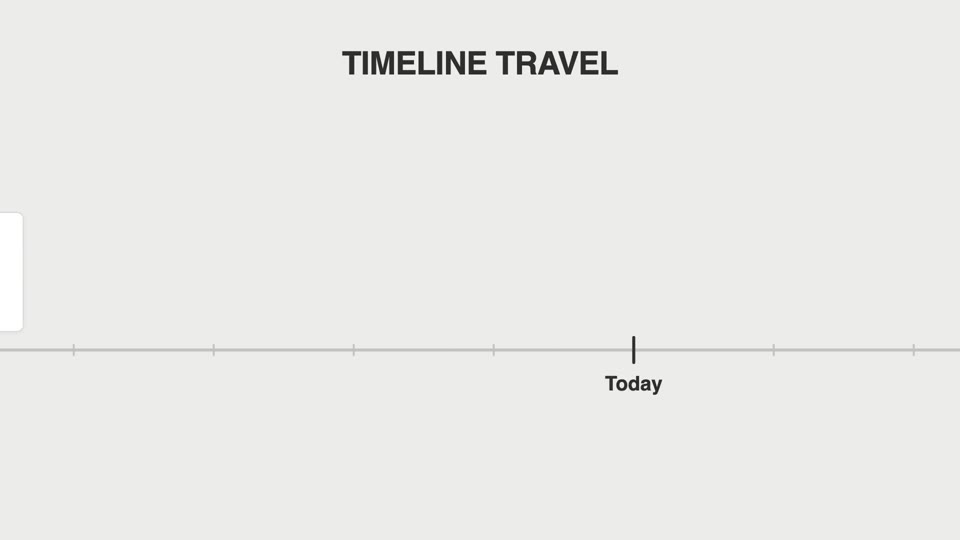
Timeline travel pan
Timeline travel — the camera accelerates along a horizontal ruler axis past version tick marks, a card springs upright and pauses briefly at each tick, and an abrupt stop pushes in on the final tick.
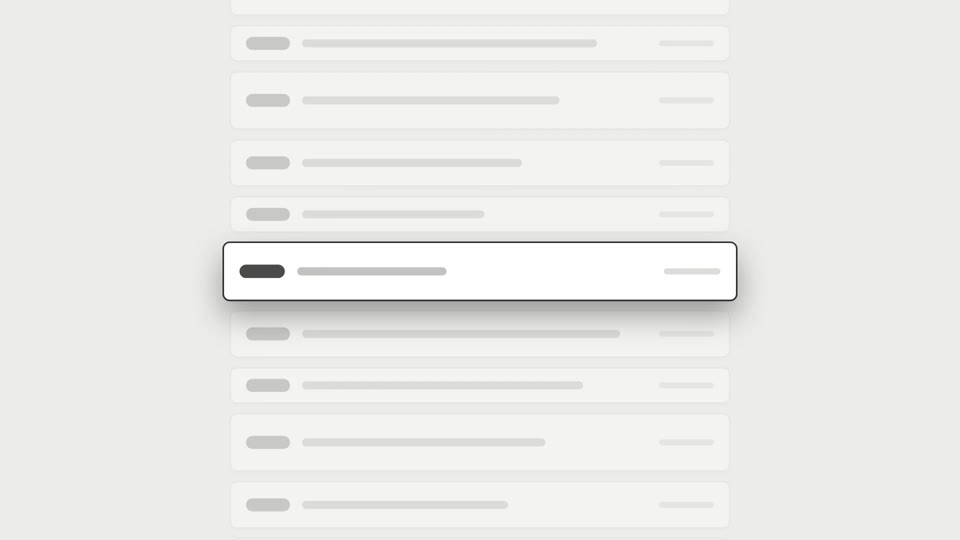
Scroll brake moves
A long scroll decelerates to a precise stop on the latest item; a variant adds a reticle lock on the same frame.

Ring diagram annotation reveal
A full-screen subject is squeezed into a ring diagram by a circular window, then the group shrinks left to reveal annotations.
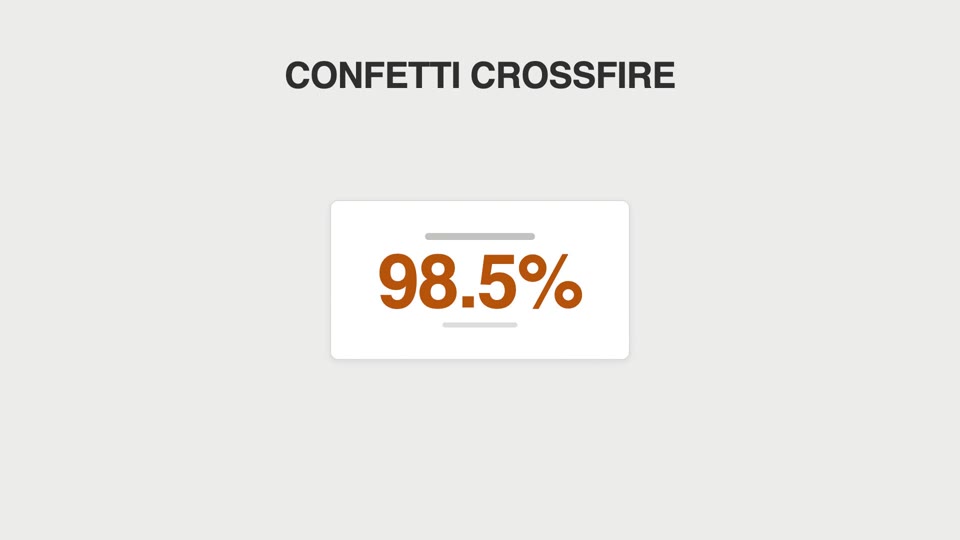
Particle celebration hits
Confetti cannons fire from both sides, or sparks fizz off the counter each time it ticks past a thousand.