Motion · Intro
Crane Rise Reveal
A crane-arm pull-up reveal — the opening shoves in close on one row of data, then the camera decelerates upward and pulls back as row after row floods in until the full dashboard fills the frame.
Fonte: video-shotcraft (Vincent Wei) ↗ · Apache-2.0 · Composição Remotion (React/TSX) — vídeo de prévia, sem player no navegador
When to use
A "from detail to the whole picture" establishing open; the inverse of drone-dive-landing (whole → single point dive).
Intention
The library's establishing-open shots already include drone-dive-landing — plunging from a god's-eye view into a hero close-up, "whole → focus." This card mirrors it: "focus → whole" — first push in tight on one real row of data so viewers see "what this is," then crane-lift upward and back as row after row of content floods in, until the whole product fills the frame — "the row you just saw is only one cell of this entire wall." Suited to openers selling product scale/content richness; use only one direction per film if both cards appear.
Duration & energy
- Duration: 5s (close-up hold 20f + rise 100f + full-frame hold 30f).
- Energy: Medium-high (a continuous one-directional move, no impact beat).
Shot recipe (original Chinese — timing, easing, parameter table, known pitfalls)
意图
开场定场库内已有 drone-dive-landing——从上帝视角砸进 hero 特写, "全局→焦点"。本卡是它的镜像:"焦点→全局"——先怼在一行真实数据上 让观众看清"这是什么",再升降臂式拉升后退,一排排内容涌入画面, 最后整面产品铺满——"你看到的这一行,只是这一面墙的一格"。 适合以产品体量/内容丰富度为卖点的开场;两卡同片只用一个方向。
动效核心
- transform-origin 固定左上,联动公式
translate = 屏幕中心 − 对准点×scale;
对准点沿 (底行中心)→(页面中心) 与 scale 3.2→1.0 共用同一条 Easing.out(quad) 进度——一条 p = 一台相机一次机动(同 C 式判例)
- 减速曲线(先快后慢)是"升降臂"的手感:起步有劲、临顶缓停
- 逐行脉冲:相机可见区上缘
visTop = fy − 540/s首次越过某行顶边时,
该行深灰脉冲一拍(4f 起 18f 落,G.ink 叠层 opacity 0→0.22→0)—— "涌入"的可读性来源;触发帧逐帧解出,与运镜严格同步
- 白底上"提亮"不可见,加深才可感(本批实渲判例:brightness 提亮
在白卡上等于没做,改深色叠层脉冲)
参数表
| 参数 | 典型值 | 调节手感 | |------|--------|----------| | 起点特写 | scale 3.2,对准最底行(一行占满画幅) | hold ≥20f 让"这是一行数据"可读再起飞 | | 拉升 | 100f Easing.out(quad),scale 3.2→1.0 | 快于 80f 行脉冲追不上;慢于 130f 中段拖 | | 行脉冲 | 越线触发,0→0.22→0 深色叠层 22f | 脉冲跟不上相机(固定间隔触发)立刻穿帮 | | 收尾 | 满幅后真静止 ≥30f | R1;满幅帧即标准构图,不再补推 |
已知坑
- demo 在灰阶/占位素材上调校通过——参数是调校起点非实战定稿,
首次实战须以真实素材回验
- 起点特写 = 一行内容被放大 3.2 倍盯着看,真实素材先过
审美准则 Q2 的高分辨率栅格化技法,低倍截图开场即糊
- 快速拉升段可包 CameraMotionBlur(参数见 deck-deal-flyin 运动模糊行),
但只包前半程快速段——临顶慢速段包了会抹软文字(轮 #8 判例)
- 与 drone-dive-landing 同片不并用(一升一降互为镜像,观众读作同一招);
与 crane 语义最近的 tilt-reveal 未入库,别混称
参考实现
demos/opening/crane-rise-reveal/ (CraneRiseReveal.tsx)
Reference implementation (Remotion)
- demos/opening/crane-rise-reveal/CraneRiseReveal.tsx — https://raw.githubusercontent.com/Vincentwei1021/video-shotcraft/main/demos/opening/crane-rise-reveal/CraneRiseReveal.tsx
The component imports shared fixtures from demos/_fixtures and helpers from assets/lib in the repo; SKILL.md there documents the render workflow.
Tudo nesta página também é legível por máquina. Aponte seu agente para o JSON ou adicione o servidor MCP do gimgs e peça para buscar templates de motion.
- Baixe o JSON — contém a receita do plano (timing, easing, tabela de parâmetros, armadilhas) e o código TSX completo.
- Clone o repositório video-shotcraft; o componente importa fixtures de demos/_fixtures e helpers de assets/lib.
- Registre o componente como <Composition> em um projeto Remotion e renderize com `npx remotion render`, ou reimplemente a receita no seu próprio engine.
curl -s https://gimgs.net/motion/crane-rise-reveal.jsongit clone https://github.com/Vincentwei1021/video-shotcraft
# component: demos/opening/crane-rise-reveal/CraneRiseReveal.tsx
npx remotion render <CompositionId> out.mp4claude mcp add --transport http gimgs https://gimgs.net/mcp
# then: search_motion_templates / get_motion_template("crane-rise-reveal")Prompt
Use the video-shotcraft shot recipe "Crane Rise Reveal" (Remotion composition, Apache-2.0) published on gimgs.net.
Recipe JSON (prompt = timing/easing/parameter table/pitfalls, files = TSX source): https://gimgs.net/motion/crane-rise-reveal.json
Raw TSX: https://gimgs.net/motion/crane-rise-reveal/template.html
Repository: https://github.com/Vincentwei1021/video-shotcraft  (component: demos/opening/crane-rise-reveal/CraneRiseReveal.tsx; imports demos/_fixtures and assets/lib)
Spec: 1920x1080, 30 fps, 5.06s

1. Read the JSON and follow its "prompt" section (when to use, intention, parameter table, known pitfalls).
2. Adapt it for: <describe what you want>.
3. Either clone the repo, register the component as a <Composition> in a Remotion project and run npx remotion render <CompositionId> out.mp4 — or re-implement the recipe in your own engine (HTML/WAAPI works: keep the same timing and easing).
// ===== demos/opening/crane-rise-reveal/CraneRiseReveal.tsx =====
// 升降臂拉升揭示(crane-rise-reveal)——crane shot。
// 世界 = FakeDashboard(B) 五行列表。相机 transform-origin 左上,联动公式:
// translate = 屏幕中心 - 对准点*scale(对准点始终落在屏幕中心)。
// 帧 0–20 hold 在底行特写(scale 3.2,对准第 5 行图标+长条);
// 帧 20–120 scale 3.2→1 + 对准点 (520,958)→(960,540),Easing.out(quad) 减速升起;
// 视野上缘每越过一行顶边,该行深色脉冲一拍(4f 起 18f 落)读作"涌入";帧 120–150 满幅真静止。
import React from 'react';
import { useCurrentFrame, interpolate, Easing } from 'remotion';
import { G, FakeDashboard } from '../../_fixtures/Fixtures';

const HOLD = 20; // 开场特写 hold
const MOVE_END = 120; // 运镜结束,此后真静止
const ease = Easing.out(Easing.quad);

// FakeDashboard(B) 行几何:侧栏 220 + 内容 padding 36,header 72,5 行 gap 20
const ROW_LEFT = 220 + 36;
const ROW_W = 1920 - ROW_LEFT - 36;
const ROW_H = (1080 - 72 - 72 - 4 * 20) / 5; // 171.2
const rowTop = (i: number) => 72 + 36 + i * (ROW_H + 20);

const F0 = { x: 520, y: rowTop(4) + ROW_H / 2 }; // 起点对准最底行(图标+标题条区域)
const F1 = { x: 960, y: 540 }; // 终点对准整页中心
const S0 = 3.2;

const camAt = (frame: number) => {
  const p = Math.min(1, Math.max(0, (frame - HOLD) / (MOVE_END - HOLD)));
  const e = ease(p);
  const s = S0 + (1 - S0) * e;
  const fx = F0.x + (F1.x - F0.x) * e;
  const fy = F0.y + (F1.y - F0.y) * e;
  return { s, tx: 960 - fx * s, ty: 540 - fy * s, visTop: fy - 540 / s };
};

// 每行脉冲触发帧:视野上缘首次越过该行顶边(底行开场已在画内 → 运动一起步即触发)
const triggers = Array.from({ length: 5 }, (_, i) => {
  for (let f = HOLD; f <= MOVE_END; f++) {
    if (camAt(f).visTop <= rowTop(i) + 1) return f;
  }
  return MOVE_END;
});

export const CraneRiseReveal: React.FC = () => {
  const frame = useCurrentFrame();
  const { s, tx, ty } = camAt(frame);

  return (
    <div
      style={{
        width: 1920,
        height: 1080,
        background: G.bg,
        overflow: 'hidden',
        position: 'relative',
      }}
    >
      <div
        style={{
          position: 'absolute',
          width: 1920,
          height: 1080,
          transformOrigin: '0 0',
          transform: `translate(${tx}px, ${ty}px) scale(${s})`,
        }}
      >
        <FakeDashboard variant="B" />
        {triggers.map((t, i) => {
          const op = interpolate(frame, [t, t + 4, t + 22], [0, 0.22, 0], {
            extrapolateLeft: 'clamp',
            extrapolateRight: 'clamp',
          });
          if (op <= 0.001) return null;
          return (
            <div
              key={i}
              style={{
                position: 'absolute',
                left: ROW_LEFT,
                top: rowTop(i),
                width: ROW_W,
                height: ROW_H,
                borderRadius: 14,
                background: G.ink,
                opacity: op,
              }}
            />
          );
        })}
      </div>
    </div>
  );
};
- Read the recipePrompt = when to use, intention, parameter table with typical values and how each one feels, known pitfalls. Treat values as calibrated starting points.
- Get the codetool: git
git clone https://github.com/Vincentwei1021/video-shotcraft && cd video-shotcraft && npm install - Register + rendertool: remotion
npx remotion render <CompositionId> out.mp4 # component: demos/opening/crane-rise-reveal/CraneRiseReveal.tsx - Or re-implementPort the timing/easing from the recipe to HTML + WAAPI (gimgs motion contract) or any engine; keep the same segment windows and easing.
| param | type | default | description |
|---|---|---|---|
| — | |||
Mais nesta categoria

Text-as-video mask
Text as video mask — extra-bold title letters reveal slowly panning product footage through them; at the end the letterforms scale up 26x and overflow, and the inner footage takes over the full screen.
Broken-stroke title reveal
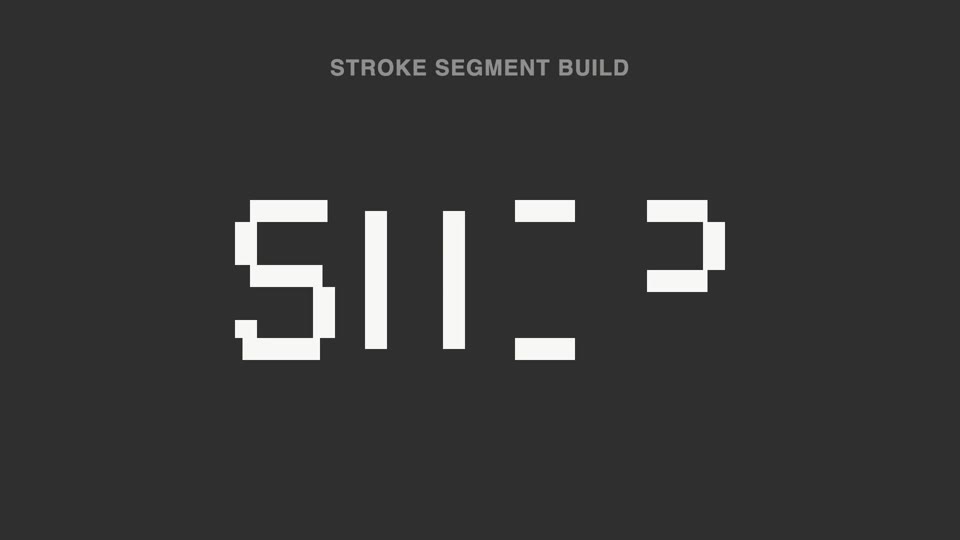
Broken strokes into letters — a title breaks into a dozen-plus disconnected stroke segments that light up out of order; 70% unreadable, then the last segment lands and the meaning snaps into place.

Spotlight hero card reveal
A spotlight sweeps the page and locks onto one card; it pushes in at 45°, the card lifts and hovers, a light beam circles its outline twice, then it settles back in place.
Orbit ring title opening
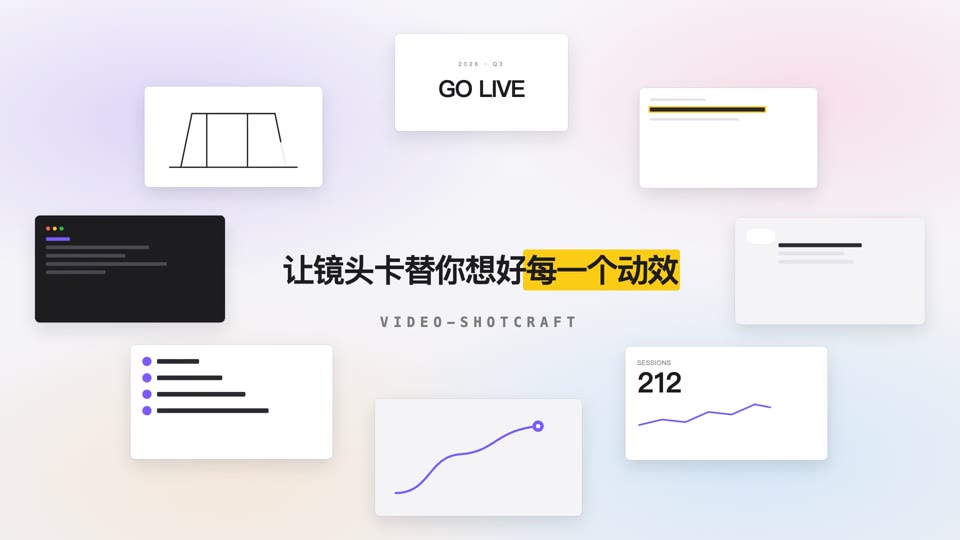
Eight content cards orbit a 700×375 ellipse at constant speed while a centered title resolves into focus and settles.