Motion · Intro
Chữ làm mặt nạ video
Chữ làm mặt nạ video — tiêu đề chữ siêu đậm để lộ hình sản phẩm lướt chậm bên trong, cuối đoạn chữ phóng to 26 lần tràn khung, hình bên trong tiếp quản toàn màn hình.
Nguồn: video-shotcraft (Vincent Wei) ↗ · Apache-2.0 · Composition Remotion (React/TSX) — có video preview, không có player trong trình duyệt
Khi nào dùng
Mở đầu hoặc thẻ chương kết hợp từ khóa thương hiệu/khẩu hiệu với hình sản phẩm làm một; chữ là cánh cửa, sản phẩm ở bên trong cửa
Ý đồ
Tiêu đề và hình sản phẩm tranh màn hình là vấn đề cũ — chữ trước hình sau thì chậm, hình đè lên chữ thì chật. Kiểu này để cả hai chung một thân: hình chữ chính là mặt nạ, sản phẩm chỉ hiện qua nét chữ, khán giả đọc được cả từ lẫn chất hình cùng lúc; cuối đoạn hình chữ phồng lên tràn khung hình, sản phẩm tự nhiên tiếp quản toàn màn hình — "từ từ khóa thương hiệu bước vào sản phẩm" kể trọn trong một cú máy, kiêm luôn chuyển cảnh chương (cùng họ với xuyên khoang chữ ở kiểu C của transition-travel: bên đó máy quay khoan vào khoang chữ, bên này hình chữ tự phồng lên — bên trước máy động, bên sau cửa động).
Thời lượng & năng lượng
- Thời lượng: 5s (giữ 20f + trôi trong chữ 80f + phóng to tiếp quản 30f + đứng yên 20f)
- Năng lượng: Trung bình cao (đoạn trôi điềm tĩnh, đoạn tiếp quản bùng nổ một lần)
Công thức cảnh quay (bản gốc tiếng Trung — timing, easing, bảng tham số, lỗi hay gặp)
意图
标题和产品画面抢屏幕是老问题——先字后画慢,画上压字挤。这一式让 两者同体:字形就是遮罩,产品只透过笔画显形,观众同时读到词和画面 质感;结尾字形胀开溢出画幅,产品自然接管全屏——"从品牌词走进产品" 一条镜头说完,兼任章节转场(与 transition-travel C 字腔穿越同族: 那边是镜头钻进字腔,这边是字形自己胀开,前者相机动、后者门动)。
动效核心
- 深底 + SVG 白字黑底 data-URI 交给 CSS
mask-image,遮罩层套住产品画面 - 字内漂移:产品层 scale 1.15 + translateX 匀速漂 ~220px/80f——
字形静止、内容流动,"窗外有世界"的错觉即手法本体
- 放大接管 30f 单段 bezier(0.4,0,0.2,1):mask wrapper
scale(1→26),
transform-origin 必须钉在实心笔画内(demo 取 L 竖笔 61.5% 处)—— 钉在字腔空洞里则放大后透出的是底色
- 内容层反向补偿:套一层
scale(1/maskS)抵消 mask 放大,产品画面
不随遮罩几何畸变(与 shot-transitions F 式"窗几何与窗内景同步驱动"同一命门的镜像)
- 接管保险:另叠一个共享同一 translateX/scale 变换的无遮罩全屏层在
放大后段(endT 0.25–0.9)淡入——纯 mask 放大在字缝处会留深底残余
参数表
| 参数 | 典型值 | 调节手感 | |------|--------|----------| | 字号/字重 | ≥360px / 900 | 笔画就是视口——细字重等于把产品塞进门缝 | | 漂移速度 | ~2.75px/f 匀速 | 快了字内画面读不清;漂移方向选画面信息密的轴 | | 放大倍率 | 26x(按字形/画幅比配,洞撑满即可) | 不足则接管帧还看得到字边残影 | | 收尾 | 接管后真静止 ≥20f | R1;接管完成帧产品应落在标准构图 |
已知坑
- demo 在灰阶/占位素材上调校通过——参数是调校起点非实战定稿,
首次实战须以真实素材回验
- 字内透出的产品画面全程被特写盯着看——真实素材先过
审美准则 Q2 的高分辨率栅格化技法,低倍截图在笔画里糊成一片
- 换词/换字体后 origin 手推值必失效——渲后看放大方向,洞不对中就微调
origin(同 transition-travel C 的腔心漂移坑)
- 与 transition-travel C 字腔穿越同片不并用——同为"字里长出世界",
观众读作同一招使两次(P4)
- mask 层与内容层的 transform 必须分离驱动(wrapper 放大/内容反向补偿),
合在一层则产品跟着字形一起胀成 26 倍废片
参考实现
demos/opening/text-as-mask/ (TextAsMask.tsx)
Mã nguồn tham chiếu (Remotion)
- demos/opening/text-as-mask/TextAsMask.tsx — https://raw.githubusercontent.com/Vincentwei1021/video-shotcraft/main/demos/opening/text-as-mask/TextAsMask.tsx
Component import fixture chung từ demos/_fixtures và helper từ assets/lib của repo; xem SKILL.md trong repo để biết quy trình render.
Mọi thứ trên trang này đều có bản máy đọc. Đưa agent link JSON, hoặc thêm MCP server gimgs rồi bảo nó tìm motion template.
- Tải JSON — trong đó có công thức cảnh quay (timing, easing, bảng tham số, lỗi hay gặp) và toàn bộ source TSX.
- Clone repo video-shotcraft; component import fixture chung từ demos/_fixtures và helper từ assets/lib.
- Đăng ký component thành <Composition> trong project Remotion rồi render bằng `npx remotion render`, hoặc dựng lại công thức bằng engine của bạn.
curl -s https://gimgs.net/motion/text-as-mask.jsongit clone https://github.com/Vincentwei1021/video-shotcraft
# component: demos/opening/text-as-mask/TextAsMask.tsx
npx remotion render <CompositionId> out.mp4claude mcp add --transport http gimgs https://gimgs.net/mcp
# then: search_motion_templates / get_motion_template("text-as-mask")Prompt
Use the video-shotcraft shot recipe "Chữ làm mặt nạ video" (Remotion composition, Apache-2.0) published on gimgs.net.
Recipe JSON (prompt = timing/easing/parameter table/pitfalls, files = TSX source): https://gimgs.net/motion/text-as-mask.json
Raw TSX: https://gimgs.net/motion/text-as-mask/template.html
Repository: https://github.com/Vincentwei1021/video-shotcraft  (component: demos/opening/text-as-mask/TextAsMask.tsx; imports demos/_fixtures and assets/lib)
Spec: 1920x1080, 30 fps, 5.06s

1. Read the JSON and follow its "prompt" section (when to use, intention, parameter table, known pitfalls).
2. Adapt it for: <describe what you want>.
3. Either clone the repo, register the component as a <Composition> in a Remotion project and run npx remotion render <CompositionId> out.mp4 — or re-implement the recipe in your own engine (HTML/WAAPI works: keep the same timing and easing).
// ===== demos/opening/text-as-mask/TextAsMask.tsx =====
// 文字视频遮罩(text-as-mask)——kinetische typografie
// 深底上超粗大字 "SCALE",字形内部用 CSS alpha mask 套住 FakeDashboard:
// 0–20f hold 读布景;20–100f dashboard 在字内匀速 translateX +110→-110(scale 1.15);
// 100–130f 单段 bezier:mask 层 scale 1→26 放大溢出(内容层用 1/S 反向抵消不畸变),
// 同时无遮罩全屏层淡入接管,dashboard 1.15→1.0 归位;130–150f 全屏静止收尾。
import React from 'react';
import { useCurrentFrame, interpolate, Easing } from 'remotion';
import { FakeDashboard, G } from '../../_fixtures/Fixtures';

const MASK_SVG = `<svg xmlns="http://www.w3.org/2000/svg" width="1920" height="1080"><text x="960" y="666" font-family="Helvetica, Arial, sans-serif" font-size="360" font-weight="900" letter-spacing="-8" text-anchor="middle" fill="white">SCALE</text></svg>`;
const MASK_URL = `url("data:image/svg+xml,${encodeURIComponent(MASK_SVG)}")`;
// mask 放大原点:取字母 L 的竖笔位置(约 61.5% 处),保证放大时原点落在实心笔画内
const ORIGIN = '61.5% 50%';

export const TextAsMask: React.FC = () => {
  const f = useCurrentFrame();
  const clamp = { extrapolateLeft: 'clamp', extrapolateRight: 'clamp' } as const;

  // 结尾撤场进度:100–130f 单段 bezier
  const endT = interpolate(f, [100, 130], [0, 1], {
    ...clamp,
    easing: Easing.bezier(0.4, 0, 0.2, 1),
  });

  // dashboard 内容运动:20–100f 匀速漂移,100–130f 归位到全屏
  const driftX = interpolate(f, [20, 100], [110, -110], clamp);
  const dx = f < 100 ? driftX : interpolate(endT, [0, 1], [-110, 0]);
  const dashS = interpolate(endT, [0, 1], [1.15, 1]);

  // mask 层放大(内容层反向抵消,dashboard 不跟着几何畸变)
  const maskS = interpolate(endT, [0, 1], [1, 26]);
  // 无遮罩全屏层淡入,保证接管彻底
  const cover = interpolate(endT, [0.25, 0.9], [0, 1], clamp);
  // 底部小注释:撤场时淡出
  const caption = interpolate(f, [100, 114], [1, 0], clamp);

  const dashMotion: React.CSSProperties = {
    position: 'absolute',
    inset: 0,
    transform: `translateX(${dx}px) scale(${dashS})`,
    transformOrigin: '50% 50%',
  };

  return (
    <div style={{ width: 1920, height: 1080, background: G.ink, position: 'relative', overflow: 'hidden' }}>
      {/* 遮罩层:wrapper 负责 mask + 放大;inner 用 1/S 反向缩放抵消内容形变 */}
      <div
        style={{
          position: 'absolute',
          inset: 0,
          transform: `scale(${maskS})`,
          transformOrigin: ORIGIN,
          WebkitMaskImage: MASK_URL,
          maskImage: MASK_URL,
          WebkitMaskRepeat: 'no-repeat',
          maskRepeat: 'no-repeat',
          WebkitMaskSize: '1920px 1080px',
          maskSize: '1920px 1080px',
        }}
      >
        <div style={{ position: 'absolute', inset: 0, transform: `scale(${1 / maskS})`, transformOrigin: ORIGIN }}>
          <div style={dashMotion}>
            <FakeDashboard variant="A" />
          </div>
        </div>
      </div>

      {/* 接管层:同一运动变换的全屏 dashboard,撤场时淡入到 1 */}
      <div style={{ position: 'absolute', inset: 0, opacity: cover }}>
        <div style={dashMotion}>
          <FakeDashboard variant="A" />
        </div>
      </div>

      {/* 底部小注释 */}
      <div
        style={{
          position: 'absolute',
          bottom: 90,
          width: '100%',
          textAlign: 'center',
          fontFamily: 'Helvetica, Arial, sans-serif',
          fontWeight: 700,
          fontSize: 30,
          letterSpacing: 10,
          color: G.mid,
          opacity: caption,
        }}
      >
        TEXT AS MASK
      </div>
    </div>
  );
};
- Read the recipePrompt = when to use, intention, parameter table with typical values and how each one feels, known pitfalls. Treat values as calibrated starting points.
- Get the codetool: git
git clone https://github.com/Vincentwei1021/video-shotcraft && cd video-shotcraft && npm install - Register + rendertool: remotion
npx remotion render <CompositionId> out.mp4 # component: demos/opening/text-as-mask/TextAsMask.tsx - Or re-implementPort the timing/easing from the recipe to HTML + WAAPI (gimgs motion contract) or any engine; keep the same segment windows and easing.
| param | type | default | description |
|---|---|---|---|
| — | |||
Cùng danh mục
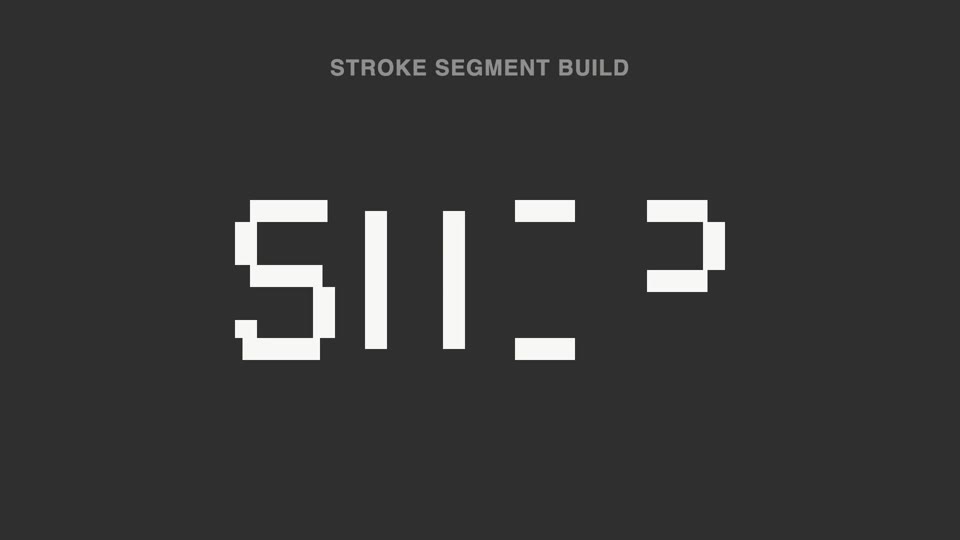
Nét chữ rời ghép thành chữ
Nét đứt thành chữ — tiêu đề tách thành hơn chục đoạn nét rời không liền nhau, sáng lên không theo thứ tự; 70% đầu không đọc được, đoạn cuối vào vị trí thì ý nghĩa "bật" thành hình.
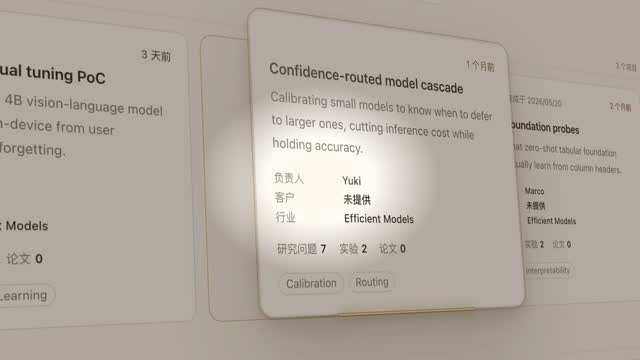
Đèn spotlight rọi thẻ hero
Đèn spotlight quét qua trang khóa vào một thẻ, đẩy máy nghiêng 45° rồi thẻ bật lên lơ lửng, luồng sáng quét quanh viền hai vòng, rồi áp lại vị trí cũ.
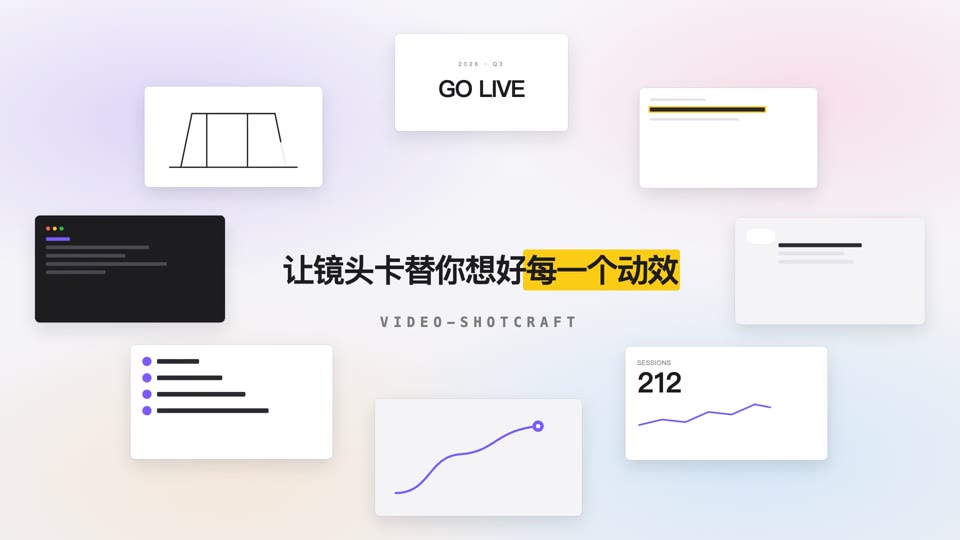
Vòng quỹ đạo mở tiêu đề
Tám thẻ nội dung xoay quanh hình elip 700×375 với tốc độ đều trong khi tiêu đề giữa màn hình rõ nét dần rồi an vị.

Ảo thuật lật bài xuất hiện
Trên nền đen tuyền, một tia sáng hình sao xanh chớp lên 0.3s, rồi một lá bài bắn ra từ điểm chớp sáng — xoay cực nhanh theo cung bay về phía máy quay, tốc độ xoay giảm dần khi tới gần, đóng băng cứng gần đầy khung hình, sau đó có một lần quét ánh sáng.