Motion · Intro
Brand Ink Open
An ink-line crosshair draws itself → the wordmark stamps in letter by letter → a typewriter subtitle → a full second of stillness, then it floats up and dissolves.
Source: video-shotcraft (Vincent Wei) ↗ · Apache-2.0 · Remotion composition (React/TSX) — preview video, no in-browser player
When to use
Brand opens; any opener that "establishes the name before entering the product."
Intention
Give the brand its memory point in the very first beat: before any product screen appears, let viewers see and remember the name clearly. Quiet, papery/ink texture, with one complete moment of stillness.
Duration & energy
- Duration: About 2.8s (83f).
- Energy: Low (a starting position, leaving room to climb in later shots).
Shot recipe (original Chinese — timing, easing, parameter table, known pitfalls)
意图
第一拍先给品牌记忆点:观众在任何产品画面出现之前,先看清并记住名字。安静、纸墨质感、有一个完整的静止时刻。
动效核心
- SVG 十字准星笔画描画(pathLength dashoffset),先竖后横,画完淡出
- 字标逐字 letterpress:scale 从大压到 1 + blur→0,字底强调色(模板片为琥珀)glint 短划闪过
- kicker 副标打字机逐字符出现,强调色块光标周期闪烁
- lockup 完整静止满 1 秒,然后整体上浮 + 缩小 + 淡出,交棒 dashboard
参数表
| 参数 | 典型值 | 调节手感 | |------|--------|----------| | 准星描画 | 竖线 0→9f、横线 8→18f,24→34f 淡出 | 描画完必须淡出,残留准星会和字标抢焦点 | | 字标逐字 | 第 i 字 delay=10+i·3、12f;scale 1.6→1(origin center bottom)+ blur 6px→0 | "opacity+位移/scale+blur→0"是全片入场三件套定式,缺 blur 会显得硬 | | kicker 打字机 | 0.7f/字符(28 起 ~43.4 完),光标 2f 周期闪、74f 停闪 | 0.7f/字符只适用于装饰性小字;正文交互打字要 3f/字符(对照 type-and-filter,用户嫌快返工过) | | 品牌 hold | 46→76 帧整整 1 秒 | 硬底线:用户两轮点名"出现后延长停留1秒"(R1);短于 1s 必返工 | | 退场 | 7f 上浮 40px + 缩 12% + 淡出 | 退场快于入场——观众已读完,拖长反而泄气 |
声音
品牌落定钉 transition-soft(模板片钉在 f12),brand→dashboard 运镜钉 whoosh-fast(f78)。SFX 逐拍钉帧、声明式表管理(S2);音色走电影系词汇,不用游戏 UI tap(S1)。
已知坑
- hold 要给的是 wordmark 落定时刻,不是普通字卡/内容卡(R1)——曾把 hold 错加给普通内容卡后很快回滚;指代含糊的"停留"反馈先确认对象再动手(P3)
- 开场能量必须低起步:全片能量曲线低开→中段推进→outro 峰值,开场炫技会压死后面的爬升(对照 Q8 的能量曲线要求)
参考实现
demos/typography/brand-ink-open/BrandInkOpen.tsx(原 template/src/aifl/live/SceneOpen.tsx 帧 0–83 段)
Reference implementation (Remotion)
- demos/typography/brand-ink-open/BrandInkOpen.tsx — https://raw.githubusercontent.com/Vincentwei1021/video-shotcraft/main/demos/typography/brand-ink-open/BrandInkOpen.tsx
The component imports shared fixtures from demos/_fixtures and helpers from assets/lib in the repo; SKILL.md there documents the render workflow.
Everything on this page is also machine-readable. Point your agent at the JSON, or add the gimgs MCP server and ask it to search motion templates.
- Fetch the JSON — it holds the shot recipe (timing, easing, parameter table, pitfalls) and the full TSX source.
- Clone the video-shotcraft repo; the component imports shared fixtures from demos/_fixtures and helpers from assets/lib.
- Register the component as a <Composition> in a Remotion project and render with `npx remotion render`, or re-implement the recipe in your own engine.
curl -s https://gimgs.net/motion/brand-ink-open.jsongit clone https://github.com/Vincentwei1021/video-shotcraft
# component: demos/typography/brand-ink-open/BrandInkOpen.tsx
npx remotion render <CompositionId> out.mp4claude mcp add --transport http gimgs https://gimgs.net/mcp
# then: search_motion_templates / get_motion_template("brand-ink-open")Prompt
Use the video-shotcraft shot recipe "Brand Ink Open" (Remotion composition, Apache-2.0) published on gimgs.net.
Recipe JSON (prompt = timing/easing/parameter table/pitfalls, files = TSX source): https://gimgs.net/motion/brand-ink-open.json
Raw TSX: https://gimgs.net/motion/brand-ink-open/template.html
Repository: https://github.com/Vincentwei1021/video-shotcraft  (component: demos/typography/brand-ink-open/BrandInkOpen.tsx; imports demos/_fixtures and assets/lib)
Spec: 960x540, 30 fps, 2.77s

1. Read the JSON and follow its "prompt" section (when to use, intention, parameter table, known pitfalls).
2. Adapt it for: <describe what you want>.
3. Either clone the repo, register the component as a <Composition> in a Remotion project and run npx remotion render <CompositionId> out.mp4 — or re-implement the recipe in your own engine (HTML/WAAPI works: keep the same timing and easing).
// ===== demos/typography/brand-ink-open/BrandInkOpen.tsx =====
// brand-ink-open —— 墨线十字准星描画 → 字标逐字 letterpress → 打字机副标
// → 满一秒静止 → 上浮消散。品牌开场第一拍:任何产品画面出现前先立名号。
// 参考实现从 template SceneOpen 帧 0–83 段剥离,self-contained:
// 十字准星 SVG pathLength dashoffset 描画后淡出;字标逐字从大 scale 压到 1 +
// blur→0(入场三件套定式),字底强调色 glint 短划闪过;kicker mono 打字机
// 逐字符 + 强调色块光标周期闪;46–76f 整整 1s 静止 hold;退场 7f 上浮+缩+淡。
// 品牌名/副标/强调色可换成目标品牌。
import { AbsoluteFill, interpolate, useCurrentFrame, Easing } from 'remotion';

export const BRAND_INK_OPEN_DURATION = 104;

const SERIF = 'ui-serif, Georgia, "Times New Roman", serif';
const MONO = 'ui-monospace, SFMono-Regular, Menlo, monospace';
const INK = 'oklch(18% 0.006 82)';
const AMBER = 'oklch(52% 0.115 65)';
const INK2 = 'oklch(50% 0.006 82)';

const WORDMARK = 'AI Foundation Lab';
const KICKER = 'TEAM RESEARCH CONSOLE';

export const BrandInkOpen: React.FC = () => {
  const frame = useCurrentFrame();

  // --- crosshair draw-on (SVG pathLength = 100): vertical 0→9f, horizontal
  // 8→18f, then fades 24→34f so it doesn't fight the wordmark ---
  const vDraw = interpolate(frame, [0, 9], [100, 0], {
    extrapolateLeft: 'clamp', extrapolateRight: 'clamp', easing: Easing.bezier(0.3, 0, 0.2, 1),
  });
  const hDraw = interpolate(frame, [8, 18], [100, 0], {
    extrapolateLeft: 'clamp', extrapolateRight: 'clamp', easing: Easing.linear,
  });
  const crossFade = interpolate(frame, [24, 34], [1, 0], { extrapolateLeft: 'clamp', extrapolateRight: 'clamp' });

  // --- kicker typewriter (28 → ~43), 0.7 frames per char (decorative small
  // text only — real interaction typing should be 3f/char, see type-and-filter) ---
  const perChar = 0.7;
  const kickStart = 28;
  const kickChars = Math.floor(Math.max(0, frame - kickStart) / perChar);
  const kickDone = kickStart + KICKER.length * perChar;
  const cursorOn = (() => {
    if (frame < kickStart) return false;
    if (frame < kickDone) return true;
    if (frame > 95) return false;
    const b = frame - kickDone;
    return Math.floor(b / 2) % 2 === 0;
  })();

  // --- brand group rests fully-on for ~1s (wordmark completes ~67f; the last
  // glyph is done at 10+15*3+12=67), then dissolves out (97 → 104): lift +
  // shrink + fade. This leaves a clean ~30-frame hold of the COMPLETE title
  // (67→97), per the card's "完整标题停留 ~30 帧" requirement. ---
  const brandOut = interpolate(frame, [97, 104], [0, 1], {
    extrapolateLeft: 'clamp', extrapolateRight: 'clamp', easing: Easing.bezier(0.4, 0, 0.5, 1),
  });
  const brandOpacity = 1 - brandOut;
  const groupY = -brandOut * 40;
  const groupScale = 1 - brandOut * 0.12;

  return (
    <AbsoluteFill style={{ backgroundColor: '#faf7f2', justifyContent: 'center', alignItems: 'center' }}>
      <div style={{ textAlign: 'center', opacity: brandOpacity, transform: `translateY(${groupY}px) scale(${groupScale})` }}>
        {/* crosshair drawn by an invisible amber pen */}
        <svg width={64} height={64} viewBox="0 0 64 64" style={{ display: 'block', margin: '0 auto 34px', opacity: crossFade }}>
          <line
            x1={32} y1={2} x2={32} y2={62}
            stroke={AMBER} strokeWidth={5} strokeLinecap="round"
            pathLength={100} strokeDasharray={100} strokeDashoffset={vDraw}
          />
          <line
            x1={2} y1={32} x2={62} y2={32}
            stroke={AMBER} strokeWidth={5} strokeLinecap="round"
            pathLength={100} strokeDasharray={100} strokeDashoffset={hDraw}
          />
        </svg>

        {/* wordmark: glyph-by-glyph letterpress with amber under-glint */}
        <div
          style={{
            fontFamily: SERIF, fontSize: 132, fontWeight: 600, color: INK,
            letterSpacing: '-0.01em', lineHeight: 1, whiteSpace: 'pre',
            display: 'inline-flex', alignItems: 'flex-end',
          }}
        >
          {WORDMARK.split('').map((ch, i) => {
            const delay = 10 + i * 3;
            const t = interpolate(frame, [delay, delay + 12], [0, 1], {
              extrapolateLeft: 'clamp', extrapolateRight: 'clamp', easing: Easing.bezier(0.2, 0.7, 0.25, 1),
            });
            const glintCenter = delay + 12;
            const glint = interpolate(frame, [glintCenter - 4, glintCenter, glintCenter + 4], [0, 1, 0], {
              extrapolateLeft: 'clamp', extrapolateRight: 'clamp',
            });
            return (
              <span
                key={i}
                style={{
                  position: 'relative', display: 'inline-block', opacity: t,
                  transform: `scale(${1.6 - 0.6 * t})`, transformOrigin: 'center bottom',
                  filter: `blur(${(1 - t) * 6}px)`,
                }}
              >
                {ch === ' ' ? ' ' : ch}
                <span
                  style={{
                    position: 'absolute', left: '50%', bottom: -6, transform: 'translateX(-50%)',
                    width: `${glint * 100}%`, height: 2, background: AMBER, opacity: glint, borderRadius: 2,
                  }}
                />
              </span>
            );
          })}
        </div>

        {/* mono kicker typewriter + amber block cursor */}
        <div
          style={{
            fontFamily: MONO, fontSize: 26, letterSpacing: '0.14em', color: INK2,
            marginTop: 30, textTransform: 'uppercase', height: 30,
            display: 'flex', justifyContent: 'center', alignItems: 'center',
          }}
        >
          <span style={{ whiteSpace: 'pre' }}>{KICKER.slice(0, kickChars)}</span>
          <span
            style={{
              display: 'inline-block', width: 14, height: 24, marginLeft: 4,
              background: AMBER, opacity: cursorOn ? 0.85 : 0,
            }}
          />
        </div>
      </div>
    </AbsoluteFill>
  );
};
- Read the recipePrompt = when to use, intention, parameter table with typical values and how each one feels, known pitfalls. Treat values as calibrated starting points.
- Get the codetool: git
git clone https://github.com/Vincentwei1021/video-shotcraft && cd video-shotcraft && npm install - Register + rendertool: remotion
npx remotion render <CompositionId> out.mp4 # component: demos/typography/brand-ink-open/BrandInkOpen.tsx - Or re-implementPort the timing/easing from the recipe to HTML + WAAPI (gimgs motion contract) or any engine; keep the same segment windows and easing.
| param | type | default | description |
|---|---|---|---|
| — | |||
More in this category
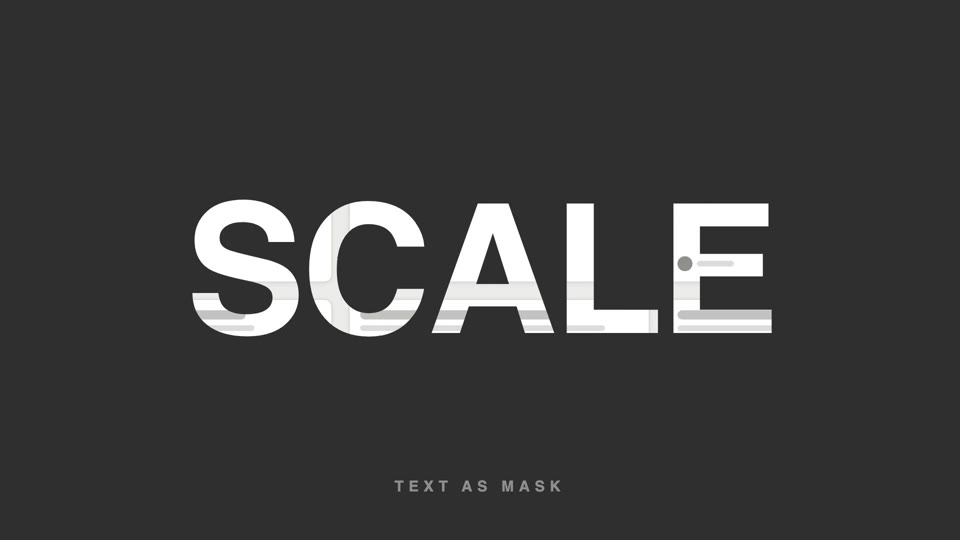
Text-as-video mask
Text as video mask — extra-bold title letters reveal slowly panning product footage through them; at the end the letterforms scale up 26x and overflow, and the inner footage takes over the full screen.
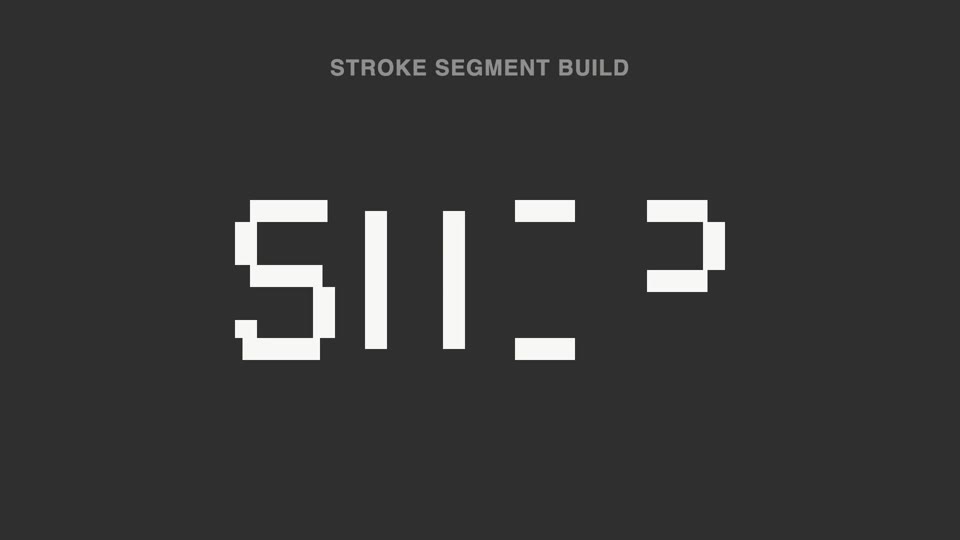
Broken-stroke title reveal
Broken strokes into letters — a title breaks into a dozen-plus disconnected stroke segments that light up out of order; 70% unreadable, then the last segment lands and the meaning snaps into place.
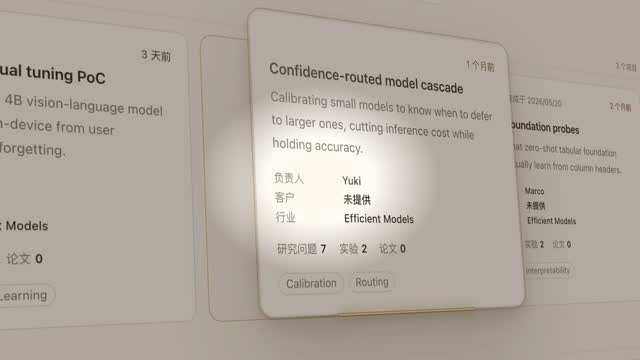
Spotlight hero card reveal
A spotlight sweeps the page and locks onto one card; it pushes in at 45°, the card lifts and hovers, a light beam circles its outline twice, then it settles back in place.
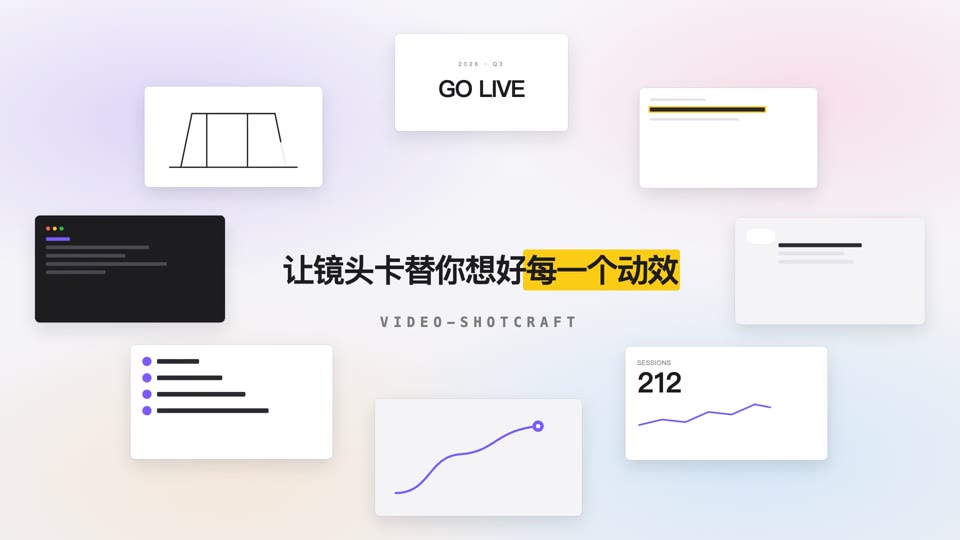
Orbit ring title opening
Eight content cards orbit a 700×375 ellipse at constant speed while a centered title resolves into focus and settles.