Motion · Intro
Mở đầu mực thương hiệu
Vệt mực vẽ hình chữ thập ngắm → chữ logo đóng dấu từng chữ → phụ đề kiểu máy đánh chữ → giữ yên tròn một giây rồi bay lên tan biến.
Nguồn: video-shotcraft (Vincent Wei) ↗ · Apache-2.0 · Composition Remotion (React/TSX) — có video preview, không có player trong trình duyệt
Khi nào dùng
Mở đầu thương hiệu; bất kỳ đoạn mở nào "lập danh trước khi vào sản phẩm".
Ý đồ
Nhịp đầu tiên trao ngay điểm ghi nhớ thương hiệu: trước khi bất kỳ màn hình sản phẩm nào xuất hiện, người xem đã kịp thấy rõ và nhớ tên. Yên tĩnh, chất liệu giấy mực, có một khoảnh khắc đứng yên trọn vẹn.
Thời lượng & năng lượng
- Thời lượng: Khoảng 2.8s (83f).
- Năng lượng: Thấp (vị trí khởi đầu, để dành khoảng leo thang cho các cảnh sau).
Công thức cảnh quay (bản gốc tiếng Trung — timing, easing, bảng tham số, lỗi hay gặp)
意图
第一拍先给品牌记忆点:观众在任何产品画面出现之前,先看清并记住名字。安静、纸墨质感、有一个完整的静止时刻。
动效核心
- SVG 十字准星笔画描画(pathLength dashoffset),先竖后横,画完淡出
- 字标逐字 letterpress:scale 从大压到 1 + blur→0,字底强调色(模板片为琥珀)glint 短划闪过
- kicker 副标打字机逐字符出现,强调色块光标周期闪烁
- lockup 完整静止满 1 秒,然后整体上浮 + 缩小 + 淡出,交棒 dashboard
参数表
| 参数 | 典型值 | 调节手感 | |------|--------|----------| | 准星描画 | 竖线 0→9f、横线 8→18f,24→34f 淡出 | 描画完必须淡出,残留准星会和字标抢焦点 | | 字标逐字 | 第 i 字 delay=10+i·3、12f;scale 1.6→1(origin center bottom)+ blur 6px→0 | "opacity+位移/scale+blur→0"是全片入场三件套定式,缺 blur 会显得硬 | | kicker 打字机 | 0.7f/字符(28 起 ~43.4 完),光标 2f 周期闪、74f 停闪 | 0.7f/字符只适用于装饰性小字;正文交互打字要 3f/字符(对照 type-and-filter,用户嫌快返工过) | | 品牌 hold | 46→76 帧整整 1 秒 | 硬底线:用户两轮点名"出现后延长停留1秒"(R1);短于 1s 必返工 | | 退场 | 7f 上浮 40px + 缩 12% + 淡出 | 退场快于入场——观众已读完,拖长反而泄气 |
声音
品牌落定钉 transition-soft(模板片钉在 f12),brand→dashboard 运镜钉 whoosh-fast(f78)。SFX 逐拍钉帧、声明式表管理(S2);音色走电影系词汇,不用游戏 UI tap(S1)。
已知坑
- hold 要给的是 wordmark 落定时刻,不是普通字卡/内容卡(R1)——曾把 hold 错加给普通内容卡后很快回滚;指代含糊的"停留"反馈先确认对象再动手(P3)
- 开场能量必须低起步:全片能量曲线低开→中段推进→outro 峰值,开场炫技会压死后面的爬升(对照 Q8 的能量曲线要求)
参考实现
demos/typography/brand-ink-open/BrandInkOpen.tsx(原 template/src/aifl/live/SceneOpen.tsx 帧 0–83 段)
Mã nguồn tham chiếu (Remotion)
- demos/typography/brand-ink-open/BrandInkOpen.tsx — https://raw.githubusercontent.com/Vincentwei1021/video-shotcraft/main/demos/typography/brand-ink-open/BrandInkOpen.tsx
Component import fixture chung từ demos/_fixtures và helper từ assets/lib của repo; xem SKILL.md trong repo để biết quy trình render.
Mọi thứ trên trang này đều có bản máy đọc. Đưa agent link JSON, hoặc thêm MCP server gimgs rồi bảo nó tìm motion template.
- Tải JSON — trong đó có công thức cảnh quay (timing, easing, bảng tham số, lỗi hay gặp) và toàn bộ source TSX.
- Clone repo video-shotcraft; component import fixture chung từ demos/_fixtures và helper từ assets/lib.
- Đăng ký component thành <Composition> trong project Remotion rồi render bằng `npx remotion render`, hoặc dựng lại công thức bằng engine của bạn.
curl -s https://gimgs.net/motion/brand-ink-open.jsongit clone https://github.com/Vincentwei1021/video-shotcraft
# component: demos/typography/brand-ink-open/BrandInkOpen.tsx
npx remotion render <CompositionId> out.mp4claude mcp add --transport http gimgs https://gimgs.net/mcp
# then: search_motion_templates / get_motion_template("brand-ink-open")Prompt
Use the video-shotcraft shot recipe "Mở đầu mực thương hiệu" (Remotion composition, Apache-2.0) published on gimgs.net.
Recipe JSON (prompt = timing/easing/parameter table/pitfalls, files = TSX source): https://gimgs.net/motion/brand-ink-open.json
Raw TSX: https://gimgs.net/motion/brand-ink-open/template.html
Repository: https://github.com/Vincentwei1021/video-shotcraft  (component: demos/typography/brand-ink-open/BrandInkOpen.tsx; imports demos/_fixtures and assets/lib)
Spec: 960x540, 30 fps, 2.77s

1. Read the JSON and follow its "prompt" section (when to use, intention, parameter table, known pitfalls).
2. Adapt it for: <describe what you want>.
3. Either clone the repo, register the component as a <Composition> in a Remotion project and run npx remotion render <CompositionId> out.mp4 — or re-implement the recipe in your own engine (HTML/WAAPI works: keep the same timing and easing).
// ===== demos/typography/brand-ink-open/BrandInkOpen.tsx =====
// brand-ink-open —— 墨线十字准星描画 → 字标逐字 letterpress → 打字机副标
// → 满一秒静止 → 上浮消散。品牌开场第一拍:任何产品画面出现前先立名号。
// 参考实现从 template SceneOpen 帧 0–83 段剥离,self-contained:
// 十字准星 SVG pathLength dashoffset 描画后淡出;字标逐字从大 scale 压到 1 +
// blur→0(入场三件套定式),字底强调色 glint 短划闪过;kicker mono 打字机
// 逐字符 + 强调色块光标周期闪;46–76f 整整 1s 静止 hold;退场 7f 上浮+缩+淡。
// 品牌名/副标/强调色可换成目标品牌。
import { AbsoluteFill, interpolate, useCurrentFrame, Easing } from 'remotion';

export const BRAND_INK_OPEN_DURATION = 104;

const SERIF = 'ui-serif, Georgia, "Times New Roman", serif';
const MONO = 'ui-monospace, SFMono-Regular, Menlo, monospace';
const INK = 'oklch(18% 0.006 82)';
const AMBER = 'oklch(52% 0.115 65)';
const INK2 = 'oklch(50% 0.006 82)';

const WORDMARK = 'AI Foundation Lab';
const KICKER = 'TEAM RESEARCH CONSOLE';

export const BrandInkOpen: React.FC = () => {
  const frame = useCurrentFrame();

  // --- crosshair draw-on (SVG pathLength = 100): vertical 0→9f, horizontal
  // 8→18f, then fades 24→34f so it doesn't fight the wordmark ---
  const vDraw = interpolate(frame, [0, 9], [100, 0], {
    extrapolateLeft: 'clamp', extrapolateRight: 'clamp', easing: Easing.bezier(0.3, 0, 0.2, 1),
  });
  const hDraw = interpolate(frame, [8, 18], [100, 0], {
    extrapolateLeft: 'clamp', extrapolateRight: 'clamp', easing: Easing.linear,
  });
  const crossFade = interpolate(frame, [24, 34], [1, 0], { extrapolateLeft: 'clamp', extrapolateRight: 'clamp' });

  // --- kicker typewriter (28 → ~43), 0.7 frames per char (decorative small
  // text only — real interaction typing should be 3f/char, see type-and-filter) ---
  const perChar = 0.7;
  const kickStart = 28;
  const kickChars = Math.floor(Math.max(0, frame - kickStart) / perChar);
  const kickDone = kickStart + KICKER.length * perChar;
  const cursorOn = (() => {
    if (frame < kickStart) return false;
    if (frame < kickDone) return true;
    if (frame > 95) return false;
    const b = frame - kickDone;
    return Math.floor(b / 2) % 2 === 0;
  })();

  // --- brand group rests fully-on for ~1s (wordmark completes ~67f; the last
  // glyph is done at 10+15*3+12=67), then dissolves out (97 → 104): lift +
  // shrink + fade. This leaves a clean ~30-frame hold of the COMPLETE title
  // (67→97), per the card's "完整标题停留 ~30 帧" requirement. ---
  const brandOut = interpolate(frame, [97, 104], [0, 1], {
    extrapolateLeft: 'clamp', extrapolateRight: 'clamp', easing: Easing.bezier(0.4, 0, 0.5, 1),
  });
  const brandOpacity = 1 - brandOut;
  const groupY = -brandOut * 40;
  const groupScale = 1 - brandOut * 0.12;

  return (
    <AbsoluteFill style={{ backgroundColor: '#faf7f2', justifyContent: 'center', alignItems: 'center' }}>
      <div style={{ textAlign: 'center', opacity: brandOpacity, transform: `translateY(${groupY}px) scale(${groupScale})` }}>
        {/* crosshair drawn by an invisible amber pen */}
        <svg width={64} height={64} viewBox="0 0 64 64" style={{ display: 'block', margin: '0 auto 34px', opacity: crossFade }}>
          <line
            x1={32} y1={2} x2={32} y2={62}
            stroke={AMBER} strokeWidth={5} strokeLinecap="round"
            pathLength={100} strokeDasharray={100} strokeDashoffset={vDraw}
          />
          <line
            x1={2} y1={32} x2={62} y2={32}
            stroke={AMBER} strokeWidth={5} strokeLinecap="round"
            pathLength={100} strokeDasharray={100} strokeDashoffset={hDraw}
          />
        </svg>

        {/* wordmark: glyph-by-glyph letterpress with amber under-glint */}
        <div
          style={{
            fontFamily: SERIF, fontSize: 132, fontWeight: 600, color: INK,
            letterSpacing: '-0.01em', lineHeight: 1, whiteSpace: 'pre',
            display: 'inline-flex', alignItems: 'flex-end',
          }}
        >
          {WORDMARK.split('').map((ch, i) => {
            const delay = 10 + i * 3;
            const t = interpolate(frame, [delay, delay + 12], [0, 1], {
              extrapolateLeft: 'clamp', extrapolateRight: 'clamp', easing: Easing.bezier(0.2, 0.7, 0.25, 1),
            });
            const glintCenter = delay + 12;
            const glint = interpolate(frame, [glintCenter - 4, glintCenter, glintCenter + 4], [0, 1, 0], {
              extrapolateLeft: 'clamp', extrapolateRight: 'clamp',
            });
            return (
              <span
                key={i}
                style={{
                  position: 'relative', display: 'inline-block', opacity: t,
                  transform: `scale(${1.6 - 0.6 * t})`, transformOrigin: 'center bottom',
                  filter: `blur(${(1 - t) * 6}px)`,
                }}
              >
                {ch === ' ' ? ' ' : ch}
                <span
                  style={{
                    position: 'absolute', left: '50%', bottom: -6, transform: 'translateX(-50%)',
                    width: `${glint * 100}%`, height: 2, background: AMBER, opacity: glint, borderRadius: 2,
                  }}
                />
              </span>
            );
          })}
        </div>

        {/* mono kicker typewriter + amber block cursor */}
        <div
          style={{
            fontFamily: MONO, fontSize: 26, letterSpacing: '0.14em', color: INK2,
            marginTop: 30, textTransform: 'uppercase', height: 30,
            display: 'flex', justifyContent: 'center', alignItems: 'center',
          }}
        >
          <span style={{ whiteSpace: 'pre' }}>{KICKER.slice(0, kickChars)}</span>
          <span
            style={{
              display: 'inline-block', width: 14, height: 24, marginLeft: 4,
              background: AMBER, opacity: cursorOn ? 0.85 : 0,
            }}
          />
        </div>
      </div>
    </AbsoluteFill>
  );
};
- Read the recipePrompt = when to use, intention, parameter table with typical values and how each one feels, known pitfalls. Treat values as calibrated starting points.
- Get the codetool: git
git clone https://github.com/Vincentwei1021/video-shotcraft && cd video-shotcraft && npm install - Register + rendertool: remotion
npx remotion render <CompositionId> out.mp4 # component: demos/typography/brand-ink-open/BrandInkOpen.tsx - Or re-implementPort the timing/easing from the recipe to HTML + WAAPI (gimgs motion contract) or any engine; keep the same segment windows and easing.
| param | type | default | description |
|---|---|---|---|
| — | |||
Cùng danh mục
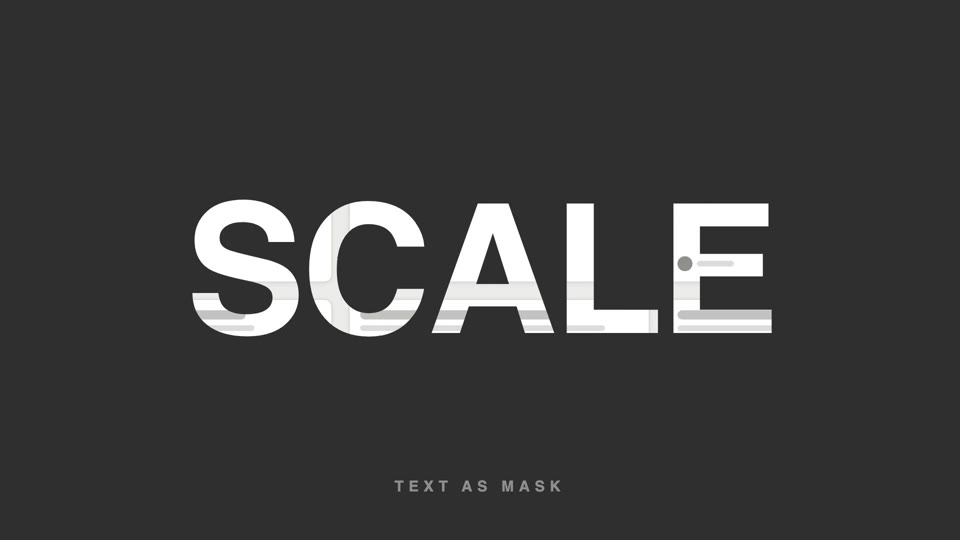
Chữ làm mặt nạ video
Chữ làm mặt nạ video — tiêu đề chữ siêu đậm để lộ hình sản phẩm lướt chậm bên trong, cuối đoạn chữ phóng to 26 lần tràn khung, hình bên trong tiếp quản toàn màn hình.
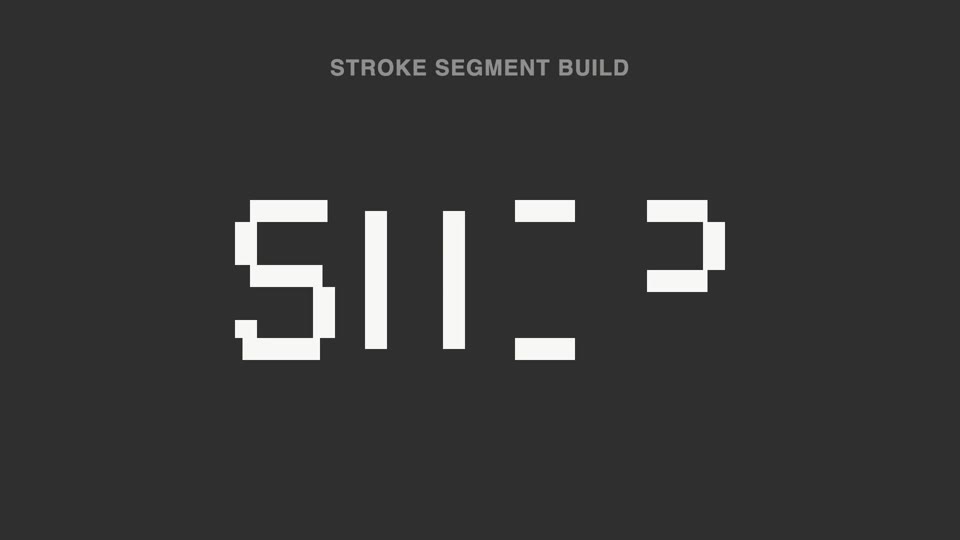
Nét chữ rời ghép thành chữ
Nét đứt thành chữ — tiêu đề tách thành hơn chục đoạn nét rời không liền nhau, sáng lên không theo thứ tự; 70% đầu không đọc được, đoạn cuối vào vị trí thì ý nghĩa "bật" thành hình.
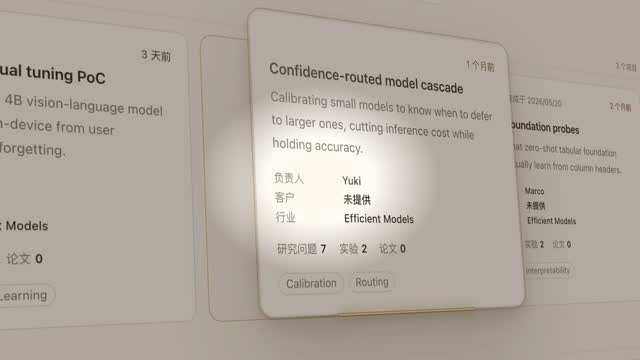
Đèn spotlight rọi thẻ hero
Đèn spotlight quét qua trang khóa vào một thẻ, đẩy máy nghiêng 45° rồi thẻ bật lên lơ lửng, luồng sáng quét quanh viền hai vòng, rồi áp lại vị trí cũ.
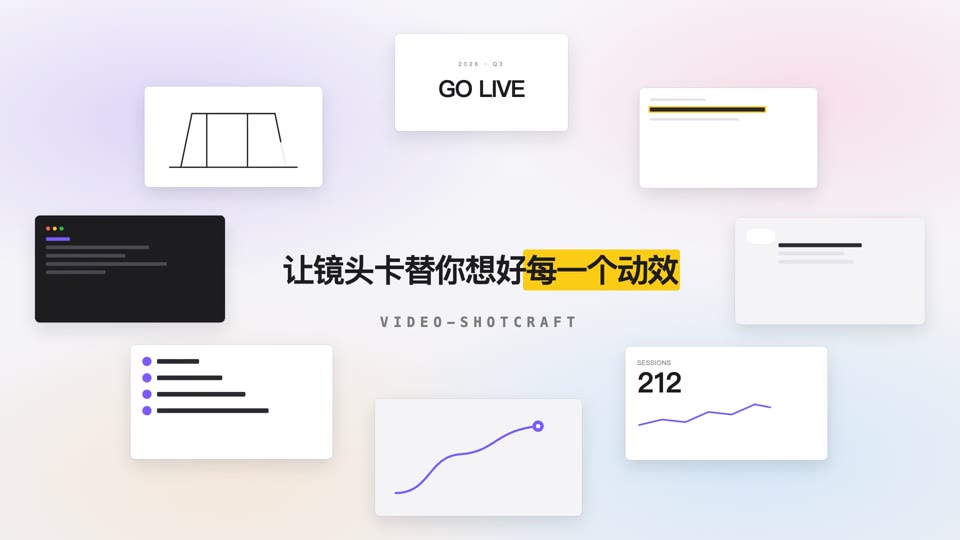
Vòng quỹ đạo mở tiêu đề
Tám thẻ nội dung xoay quanh hình elip 700×375 với tốc độ đều trong khi tiêu đề giữa màn hình rõ nét dần rồi an vị.