Motion · Intro
Country flag intro
Colour band slides in, the round flag pops, the country name wipes on. Uses gimgs.net/flags. 4 s, 16:9.
Source: gimgs ↗ · CC0
When to use
Chapter card for travel vlogs, country-by-country comparisons, sports/olympics recaps, geo-data explainers.
How to adapt
countryis the ISO alpha-2 code; the flag is fetched fromhttps://gimgs.net/flags/{code}.svg(circular, all countries + gb-eng/gb-sct/gb-wls). No upload needed.- Pick
accentfrom the flag's dominant colour so the band and the flag rhyme (vn → #da251d, jp → #bc002d, br → #009c3b, us → #3c3b6e). - Dark variant:
bg: "#0b0c10", fg: "#ffffff"; the subtitle switches to light automatically. - Timeline: band 0–0.7 s, flag 0.35–1.15 s, code 0.8–1.3 s, name wipe 0.95–1.75 s, subtitle 1.5–2.0 s; holds from 2 s.
- Batch: one render per country, then concat — keep everything but
country/name/subtitle/accentconstant.
Do not change
window.motion, #stage size, animation-fill-mode: both.
Everything on this page is also machine-readable. Point your agent at the JSON, or add the gimgs MCP server and ask it to search motion templates.
- Fetch the JSON — it contains the prompt, the param schema and the full source.
- Fill the params (start from default_params) and encode them as base64url in ?p=.
- For each frame open the player with ?t=<seconds>, wait for data-motion-ready, screenshot at the native size, then join the PNGs with ffmpeg.
curl -s https://gimgs.net/motion/flag-intro.jsonhttps://gimgs.net/motion/flag-intro/play?p=…&t=<seconds>claude mcp add --transport http gimgs https://gimgs.net/mcp
# then: search_motion_templates / get_motion_template("flag-intro")Prompt
Use the gimgs.net motion template "Country flag intro".
Spec JSON (prompt + params schema + full HTML source): https://gimgs.net/motion/flag-intro.json
Raw template: https://gimgs.net/motion/flag-intro/template.html
Player for frame capture: https://gimgs.net/motion/flag-intro/play?p=<base64url JSON params>&t=<seconds>  (1920x1080, 30 fps, 4s)

1. Read the JSON and follow its "prompt" section.
2. Fill the params (start from default_params) for: <describe what you want>.
3. Render: open the player at t = i/fps for i in 0..119 in headless Chromium (viewport 1920x1080, wait for document.documentElement.dataset.motionReady === "1"), screenshot each frame, then ffmpeg -framerate 30 -i frame-%04d.png -c:v libx264 -pix_fmt yuv420p out.mp4
4. If you need to change the design, edit the HTML but keep window.motion and #stage so the same renderer works.
<!doctype html>
<html lang="en">
<head>
<meta charset="utf-8">
<title>Country flag intro</title>
<style>
  @font-face{font-family:'Bricolage Grotesque';font-weight:600 800;font-display:block;src:url(https://gimgs.net/fonts/bricolage-600-latin.woff2) format('woff2')}
  @font-face{font-family:'IBM Plex Mono';font-weight:400 500;font-display:block;src:url(https://gimgs.net/fonts/plexmono-500-latin.woff2) format('woff2')}
  html,body{margin:0;background:#000}
  #stage{position:relative;width:1920px;height:1080px;overflow:hidden;background:var(--bg,#f7f6f3);color:var(--fg,#1a1a1a);font-family:'Bricolage Grotesque',Inter,system-ui,sans-serif}
  .band{position:absolute;left:0;top:0;bottom:0;width:38%;background:var(--accent,#ffb224);transform:translateX(-100%);animation:band .7s cubic-bezier(.2,.8,.2,1) both}
  @keyframes band{to{transform:none}}
  .flag{position:absolute;left:38%;top:50%;width:360px;height:360px;border-radius:50%;overflow:hidden;box-shadow:0 30px 80px rgba(0,0,0,.25);
    transform:translate(-50%,-50%) scale(0);animation:flag .8s .35s cubic-bezier(.2,.9,.2,1.15) both}
  .flag img{width:100%;height:100%;object-fit:cover;display:block}
  @keyframes flag{to{transform:translate(-50%,-50%) scale(1)}}
  .txt{position:absolute;left:calc(38% + 260px);top:50%;transform:translateY(-50%)}
  .code{font-family:'IBM Plex Mono',ui-monospace,monospace;font-size:34px;letter-spacing:.3em;color:var(--accent,#ffb224);text-transform:uppercase;
    opacity:0;transform:translateY(20px);animation:up .5s .8s cubic-bezier(.2,.8,.2,1) both}
  .name{font-weight:800;font-size:132px;letter-spacing:-.03em;line-height:1;margin-top:10px;
    clip-path:inset(0 100% 0 0);animation:wipe .8s .95s cubic-bezier(.2,.8,.2,1) both}
  .sub{font-size:38px;font-weight:600;color:rgba(0,0,0,.55);margin-top:22px;opacity:0;transform:translateY(20px);animation:up .5s 1.5s cubic-bezier(.2,.8,.2,1) both}
  #stage.dark .sub{color:rgba(255,255,255,.6)}
  @keyframes up{to{transform:none;opacity:1}}
  @keyframes wipe{to{clip-path:inset(0 0 0 0)}}
</style>
</head>
<body>
<div id="stage">
  <div class="band"></div>
  <div class="flag"><img id="flag" alt=""></div>
  <div class="txt"><div class="code" id="code"></div><div class="name" id="name"></div><div class="sub" id="sub"></div></div>
</div>
<script>
window.motion = {
  width: 1920, height: 1080, fps: 30, duration: 4,
  params: { country: "vn", name: "Vietnam", subtitle: "Hanoi · GMT+7", accent: "#da251d", bg: "#f7f6f3", fg: "#1a1a1a" },
  apply: function (p) {
    var s = document.getElementById("stage");
    s.style.setProperty("--accent", p.accent); s.style.setProperty("--bg", p.bg); s.style.setProperty("--fg", p.fg);
    // rough luminance check so the subtitle stays readable on dark backgrounds
    var m = /^#?([0-9a-f]{6})$/i.exec(String(p.bg || "")), dark = false;
    if (m) { var n = parseInt(m[1], 16); dark = (0.299 * (n >> 16) + 0.587 * ((n >> 8) & 255) + 0.114 * (n & 255)) < 128; }
    s.classList.toggle("dark", dark);
    var cc = String(p.country || "").toLowerCase().replace(/[^a-z-]/g, "");
    var img = document.getElementById("flag");
    var src = "https://gimgs.net/flags/" + cc + ".svg";
    if (img.getAttribute("src") !== src) img.src = src;
    document.getElementById("code").textContent = cc;
    document.getElementById("name").textContent = p.name;
    document.getElementById("sub").textContent = p.subtitle;
  }
};
</script>
</body>
</html>
- Pick codesISO alpha-2, lowercase.
- Render per country
for cc in vn jp br; do P=$(printf '{"country":"%s","name":"%s"}' $cc $cc | base64 -w0 | tr '+/' '-_' | tr -d '='); …frames…; done - Concat
ffmpeg -f concat -safe 0 -i list.txt -c copy countries.mp4
| param | type | default | description |
|---|---|---|---|
country | string | "vn" | ISO 3166-1 alpha-2 code (vn, us, jp…) or a regional code like gb-eng — resolved to https://gimgs.net/flags/{code}.svg |
name | string | "Vietnam" | Country / city name |
subtitle | string | "Hanoi · GMT+7" | Small line under the name (capital, time zone, episode…) |
accent | string · color | "#da251d" | Band and code colour — take it from the flag |
bg | string · color | "#f7f6f3" | Background (light or dark; subtitle contrast adapts) |
fg | string · color | "#1a1a1a" | Name colour |
?p=eyJjb3VudHJ5Ijoidm4iLCJuYW1lIjoiVmlldG5hbSIsInN1YnRpdGxlIjoiSGFub2kgwrcgR01UKzciLCJhY2NlbnQiOiIjZGEyNTFkIiwiYmciOiIjZjdmNmYzIiwiZmciOiIjMWExYTFhIn0
More in this category
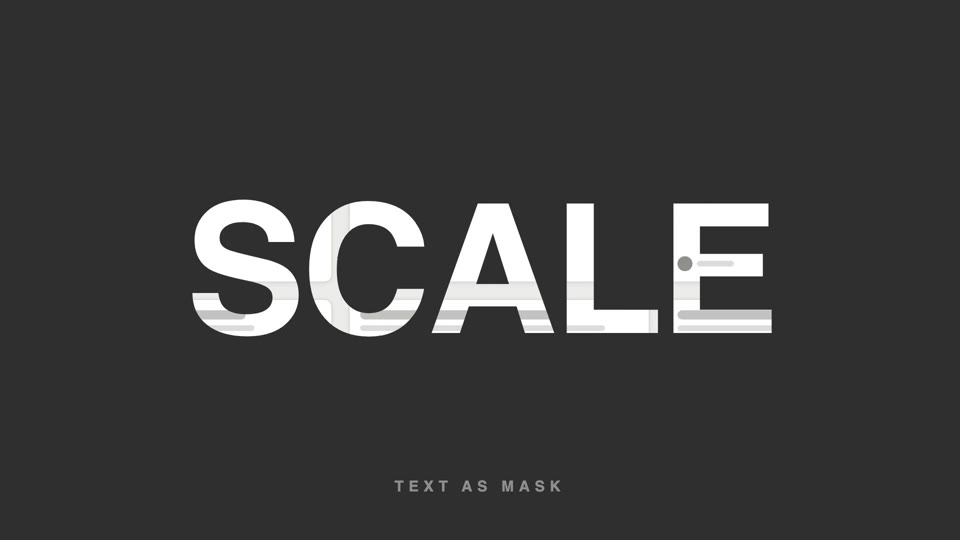
Text-as-video mask
Text as video mask — extra-bold title letters reveal slowly panning product footage through them; at the end the letterforms scale up 26x and overflow, and the inner footage takes over the full screen.
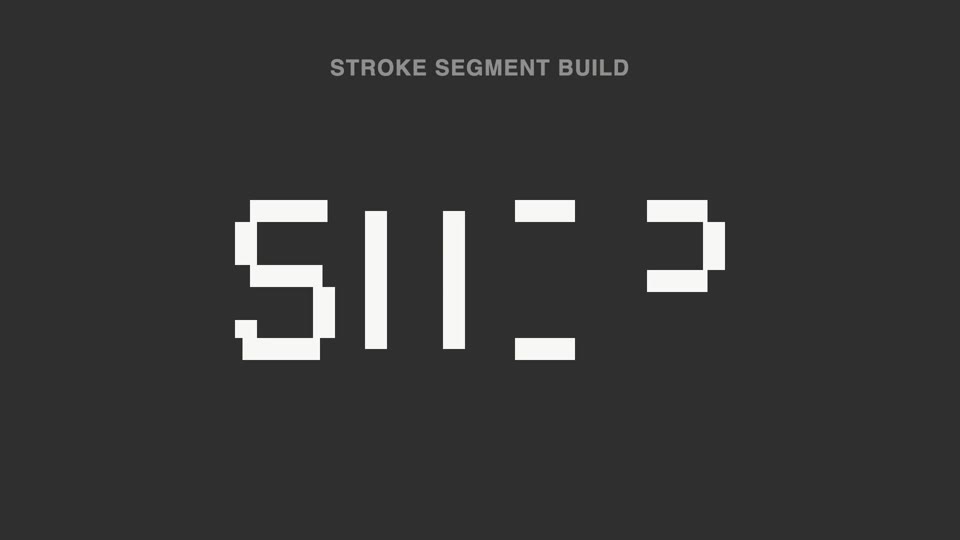
Broken-stroke title reveal
Broken strokes into letters — a title breaks into a dozen-plus disconnected stroke segments that light up out of order; 70% unreadable, then the last segment lands and the meaning snaps into place.
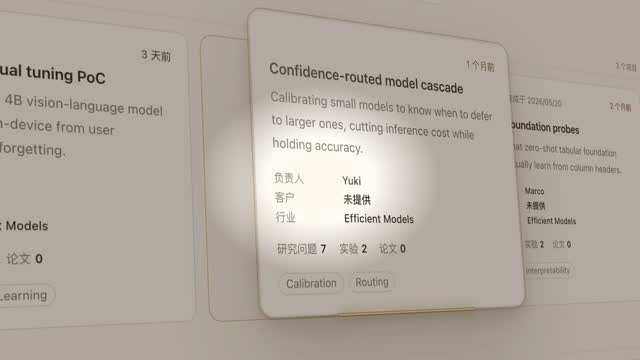
Spotlight hero card reveal
A spotlight sweeps the page and locks onto one card; it pushes in at 45°, the card lifts and hovers, a light beam circles its outline twice, then it settles back in place.
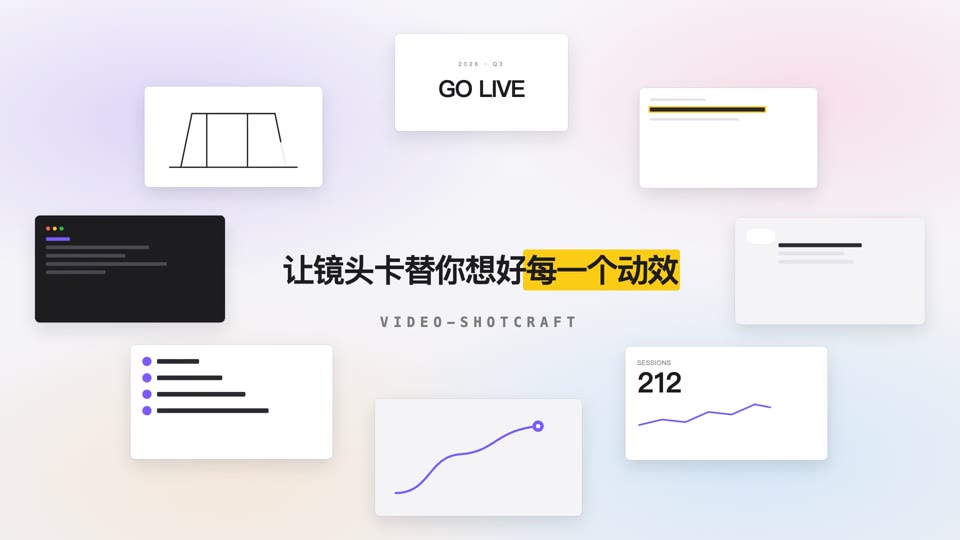
Orbit ring title opening
Eight content cards orbit a 700×375 ellipse at constant speed while a centered title resolves into focus and settles.