Motion · Intro
Broken-stroke title reveal
Broken strokes into letters — a title breaks into a dozen-plus disconnected stroke segments that light up out of order; 70% unreadable, then the last segment lands and the meaning snaps into place.
Source: video-shotcraft (Vincent Wei) ↗ · Apache-2.0 · Remotion composition (React/TSX) — preview video, no in-browser player
When to use
A suspense-building product-name/big-number reveal at the open; at most once per film; division of labor with type-assembly/draw-svg-trace: those are "watching letters get assembled/drawn," this card is "meaning delayed to the reveal"
Intention
The Alien title-card precedent: the title isn't drawn, it "develops" — broken into discrete stroke segments that light up out of order; for the first 70% of the time the viewer sees only mysterious fragments, then in the last few segments' landing moment they suddenly read what the word is. "The instant of recognition" is the hook, and the hook's strength depends on how long the unreadable period is stretched and how late the key segment is held back.
Duration & energy
- Duration: 4–5s
- Energy: Low start, rising at the close (a suspense type; the landing frame is the energy point)
Shot recipe (original Chinese — timing, easing, parameter table, known pitfalls)
意图
《异形》片头判例:标题不是被画出来的,是"显影"出来的——拆成离散 笔画段乱序点亮,观众前 70% 时间只看到神秘碎段,最后几段落位的瞬间 突然读出是什么字。"认出的那一刻"就是钩子,钩子的强度取决于 不可读期撑多久、钥匙段压多晚。
动作阶段
| 阶段 | 帧段参考 | 内容 | |------|------|------| | 1 暗场 | f0–10 | 空场静置 | | 2 乱序点亮 | ~f10–105 | 每段 6f(opacity 0→1 + 沿笔画方向 12px 滑入 out cubic),段间隔 6f 错峰 | | 3 落位脉冲 | 末段落位帧 | 整字 scale 1→1.06→1 脉冲 8f | | 4 定格 | 末 ≥30f | 真静止,可接 hold 满 1s(R1 品牌位) |
参数表
| 参数 | 典型值 | 调节手感 | |------|--------|----------| | 拆段粒度 | 4 字母 ~16 段(SVG line 粗方端帽,44px 级线宽) | 段太少悬念期短;太碎读作噪点 | | 乱序表 | 手工排:跨字母乱跳,"可读性钥匙段"(如 H 中横)压到最后 2–3 段 | 顺序点亮 = 没有悬念;钥匙段早出 = 提前泄底 | | 不可读期 | 总时长的 60–70% 处仍应读不出字 | QA 抽中段帧自问"能猜出来吗",能猜出就重排 | | 落位脉冲 | scale 1.06 / 8f | demo 自评 6% 偏含蓄,实战可加大到 1.10 | | 未亮段 | 条件不渲染(非 opacity 0) | 收尾真静止的前提 |
已知坑
- demo 在灰阶/占位素材上调校通过——参数是调校起点非实战定稿,
首次实战须以真实素材回验
- 暗底上的辅助文字用亮灰——demo 首版顶部标题深灰压深底不可见(P1 自检抓到)
- 字数上限:4–6 字母词最佳;长词不可读期难控制,段数爆炸
- 本卡吃"识别瞬间",标题必须是观众认识的词(产品名/SHIP/LIVE 类),
生造词没有"认出"可言
- 声音:逐段点亮稀疏轻拟音或无声,落位帧一声 impact + 可接 riser 铺底
参考实现
demos/opening/stroke-segment-build/ (StrokeSegmentBuild.tsx)
Reference implementation (Remotion)
- demos/opening/stroke-segment-build/StrokeSegmentBuild.tsx — https://raw.githubusercontent.com/Vincentwei1021/video-shotcraft/main/demos/opening/stroke-segment-build/StrokeSegmentBuild.tsx
The component imports shared fixtures from demos/_fixtures and helpers from assets/lib in the repo; SKILL.md there documents the render workflow.
Everything on this page is also machine-readable. Point your agent at the JSON, or add the gimgs MCP server and ask it to search motion templates.
- Fetch the JSON — it holds the shot recipe (timing, easing, parameter table, pitfalls) and the full TSX source.
- Clone the video-shotcraft repo; the component imports shared fixtures from demos/_fixtures and helpers from assets/lib.
- Register the component as a <Composition> in a Remotion project and render with `npx remotion render`, or re-implement the recipe in your own engine.
curl -s https://gimgs.net/motion/stroke-segment-build.jsongit clone https://github.com/Vincentwei1021/video-shotcraft
# component: demos/opening/stroke-segment-build/StrokeSegmentBuild.tsx
npx remotion render <CompositionId> out.mp4claude mcp add --transport http gimgs https://gimgs.net/mcp
# then: search_motion_templates / get_motion_template("stroke-segment-build")Prompt
Use the video-shotcraft shot recipe "Broken-stroke title reveal" (Remotion composition, Apache-2.0) published on gimgs.net.
Recipe JSON (prompt = timing/easing/parameter table/pitfalls, files = TSX source): https://gimgs.net/motion/stroke-segment-build.json
Raw TSX: https://gimgs.net/motion/stroke-segment-build/template.html
Repository: https://github.com/Vincentwei1021/video-shotcraft  (component: demos/opening/stroke-segment-build/StrokeSegmentBuild.tsx; imports demos/_fixtures and assets/lib)
Spec: 1920x1080, 30 fps, 5.06s

1. Read the JSON and follow its "prompt" section (when to use, intention, parameter table, known pitfalls).
2. Adapt it for: <describe what you want>.
3. Either clone the repo, register the component as a <Composition> in a Remotion project and run npx remotion render <CompositionId> out.mp4 — or re-implement the recipe in your own engine (HTML/WAAPI works: keep the same timing and easing).
// ===== demos/opening/stroke-segment-build/StrokeSegmentBuild.tsx =====
// stroke-segment-build —— 断笔成字(《异形》式)
// "SHIP" 拆成 16 段互不相连的粗线段,按乱序表逐段点亮。
// 前 70%(11 段)读不出字,最后 3 段落位瞬间突然可读;
// 末段落位帧整字轻微 scale 脉冲(1→1.06→1)。
// 每段入场:opacity 0→1 + 沿笔画方向 12px 滑入(out 缓动),6f。
// f0–14 静置空场;末段落位于 f104,脉冲至 f112,真静止 ≥38f(150f 总长)。
import React from 'react';
import { useCurrentFrame, interpolate, Easing } from 'remotion';
import { G, TitleBlock } from '../../_fixtures/Fixtures';

// "SHIP" 手工笔画段。坐标系:每字 200 宽、320 高,字间距 60。
// 段 = {x1,y1,x2,y2},线宽 44,方形端帽(不连续感更强)。
type Seg = { x1: number; y1: number; x2: number; y2: number };

const K = 200; // 字宽
const H = 320; // 字高
const ADV = K + 60;

// S:4 段(上横、左上竖、中横、右下竖+下横 → 拆成 5 也行,取 4)
// H:3 段(左竖、右竖、中横)
// I:3 段(上横、中竖、下横)
// P:4 段(左竖、上横、右短竖、中横)—— 共 14 段;S 再拆 2 段成 16
const SEGS: Seg[] = [
  // S (x offset 0) —— 6 段
  { x1: 30, y1: 22, x2: 185, y2: 22 },     // 0 上横
  { x1: 22, y1: 44, x2: 22, y2: 130 },     // 1 左上竖
  { x1: 30, y1: 152, x2: 175, y2: 152 },   // 2 中横
  { x1: 178, y1: 174, x2: 178, y2: 276 },  // 3 右下竖
  { x1: 15, y1: 298, x2: 170, y2: 298 },   // 4 下横
  { x1: 22, y1: 240, x2: 22, y2: 276 },    // 5 左下小竖(S 尾钩)
  // H (x offset ADV) —— 3 段
  { x1: ADV + 22, y1: 22, x2: ADV + 22, y2: 298 },   // 6 左竖
  { x1: ADV + 178, y1: 22, x2: ADV + 178, y2: 298 }, // 7 右竖
  { x1: ADV + 44, y1: 160, x2: ADV + 156, y2: 160 }, // 8 中横
  // I (x offset ADV*2) —— 3 段
  { x1: ADV * 2 + 40, y1: 22, x2: ADV * 2 + 160, y2: 22 },   // 9 上横
  { x1: ADV * 2 + 100, y1: 44, x2: ADV * 2 + 100, y2: 276 }, // 10 中竖
  { x1: ADV * 2 + 40, y1: 298, x2: ADV * 2 + 160, y2: 298 }, // 11 下横
  // P (x offset ADV*3) —— 4 段
  { x1: ADV * 3 + 22, y1: 22, x2: ADV * 3 + 22, y2: 298 },   // 12 左竖
  { x1: ADV * 3 + 44, y1: 22, x2: ADV * 3 + 165, y2: 22 },   // 13 上横
  { x1: ADV * 3 + 178, y1: 44, x2: ADV * 3 + 178, y2: 140 }, // 14 右短竖
  { x1: ADV * 3 + 44, y1: 162, x2: ADV * 3 + 165, y2: 162 }, // 15 中横
];

// 乱序点亮表:刻意打散——前 13 段跨字乱跳(读不出),
// 最后 3 段(8 中横 / 10 I 竖 / 12 P 左竖)落位瞬间补全可读性。
const ORDER = [3, 9, 6, 15, 1, 11, 14, 4, 0, 7, 13, 2, 5, 8, 10, 12];

const FIRST = 14; // 首段起始帧
const STEP = 6; // 段间隔
const SEG_IN = 6; // 单段入场时长
const LAST_LAND = FIRST + 15 * STEP + SEG_IN; // = 110,末段落位
const PULSE_END = LAST_LAND + 8;

const WORD_W = ADV * 3 + K; // 980
const OX = (1920 - WORD_W) / 2;
const OY = (1080 - H) / 2 + 20;

export const StrokeSegmentBuild: React.FC = () => {
  const frame = useCurrentFrame();

  // 末段落位:整字脉冲 1 → 1.06 → 1(8f)
  const pulse = interpolate(
    frame,
    [LAST_LAND, LAST_LAND + 3, PULSE_END],
    [1, 1.06, 1],
    { easing: Easing.out(Easing.cubic), extrapolateLeft: 'clamp', extrapolateRight: 'clamp' },
  );

  return (
    <div style={{ width: 1920, height: 1080, background: G.ink, overflow: 'hidden', position: 'relative' }}>
      <div
        style={{
          position: 'absolute',
          top: 110,
          width: '100%',
          textAlign: 'center',
          fontFamily: 'Helvetica, Arial, sans-serif',
          fontWeight: 800,
          fontSize: 44,
          color: G.mid,
          letterSpacing: 2,
        }}
      >
        STROKE SEGMENT BUILD
      </div>
      <svg
        width={1920}
        height={1080}
        style={{ position: 'absolute', left: 0, top: 0, transform: `scale(${pulse})`, transformOrigin: '50% 55%' }}
      >
        {SEGS.map((seg, i) => {
          const rank = ORDER.indexOf(i);
          const start = FIRST + rank * STEP;
          if (frame < start) return null; // 未开始的段不渲染
          const t = interpolate(frame, [start, start + SEG_IN], [0, 1], {
            easing: Easing.out(Easing.cubic),
            extrapolateLeft: 'clamp',
            extrapolateRight: 'clamp',
          });
          // 沿笔画方向滑入 12px
          const dx = seg.x2 - seg.x1;
          const dy = seg.y2 - seg.y1;
          const len = Math.hypot(dx, dy) || 1;
          const slide = 12 * (1 - t);
          const ox = (-dx / len) * slide;
          const oy = (-dy / len) * slide;
          return (
            <line
              key={i}
              x1={OX + seg.x1 + ox}
              y1={OY + seg.y1 + oy}
              x2={OX + seg.x2 + ox}
              y2={OY + seg.y2 + oy}
              stroke={G.panel}
              strokeWidth={44}
              strokeLinecap="butt"
              opacity={t}
            />
          );
        })}
      </svg>
    </div>
  );
};
- Read the recipePrompt = when to use, intention, parameter table with typical values and how each one feels, known pitfalls. Treat values as calibrated starting points.
- Get the codetool: git
git clone https://github.com/Vincentwei1021/video-shotcraft && cd video-shotcraft && npm install - Register + rendertool: remotion
npx remotion render <CompositionId> out.mp4 # component: demos/opening/stroke-segment-build/StrokeSegmentBuild.tsx - Or re-implementPort the timing/easing from the recipe to HTML + WAAPI (gimgs motion contract) or any engine; keep the same segment windows and easing.
| param | type | default | description |
|---|---|---|---|
| — | |||
More in this category
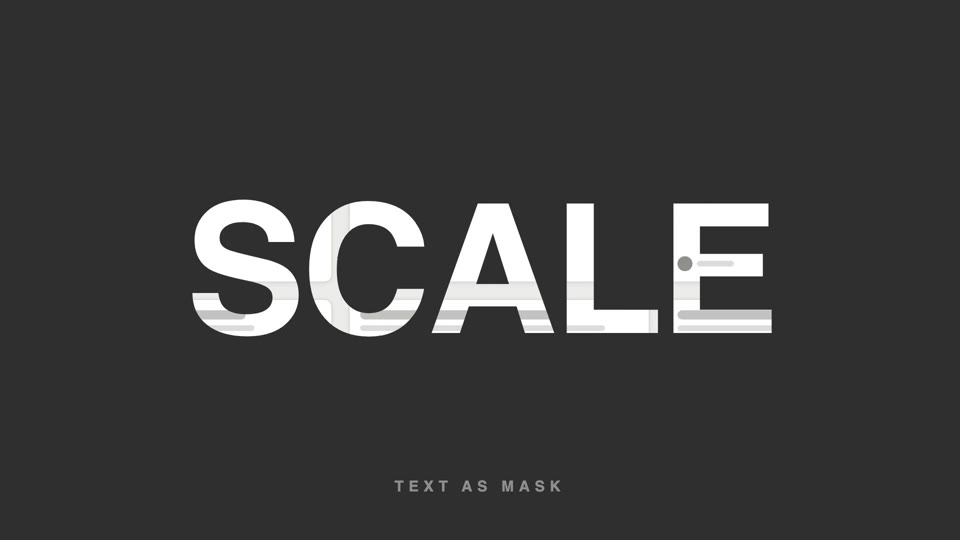
Text-as-video mask
Text as video mask — extra-bold title letters reveal slowly panning product footage through them; at the end the letterforms scale up 26x and overflow, and the inner footage takes over the full screen.
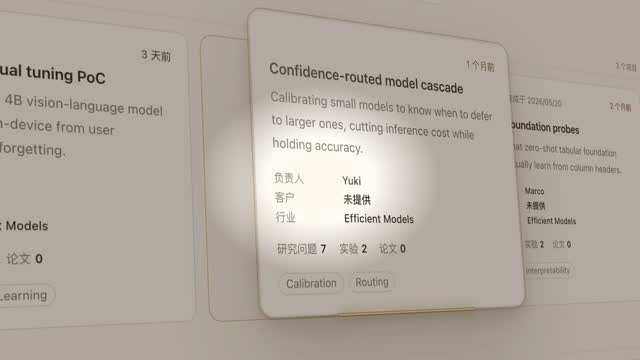
Spotlight hero card reveal
A spotlight sweeps the page and locks onto one card; it pushes in at 45°, the card lifts and hovers, a light beam circles its outline twice, then it settles back in place.
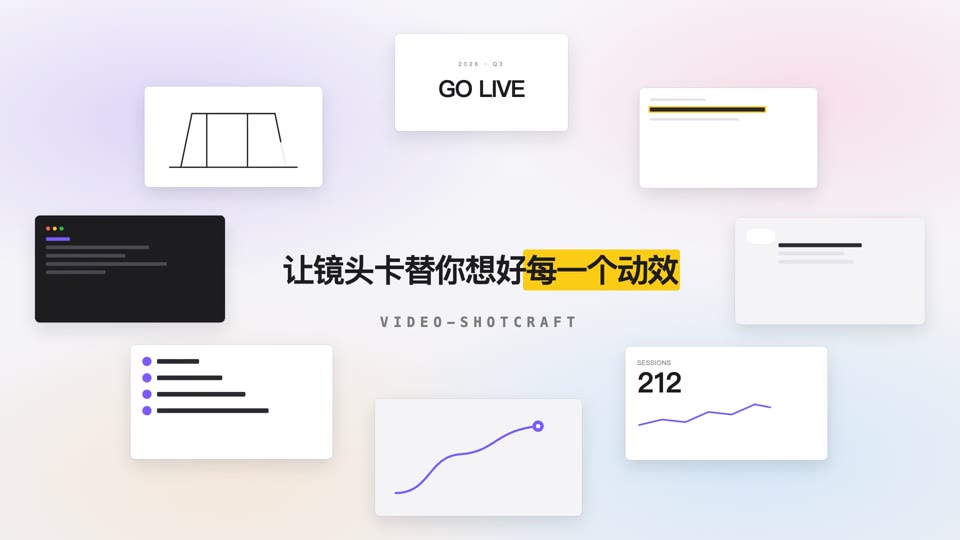
Orbit ring title opening
Eight content cards orbit a 700×375 ellipse at constant speed while a centered title resolves into focus and settles.

Magician card flourish
On pure black, a blue starburst flashes for 0.3s, then a card ejects from the flash point — spinning fast along an arc toward the camera, spin decaying as it nears, hard-freezing near full-frame, followed by a sheen sweep.