Motion · Dados
Ring diagram annotation reveal
A full-screen subject is squeezed into a ring diagram by a circular window, then the group shrinks left to reveal annotations.
Fonte: video-shotcraft (Vincent Wei) ↗ · Apache-2.0 · Composição Remotion (React/TSX) — vídeo de prévia, sem player no navegador
When to use
Turning an abstract term into a structural diagram; a "subject → mechanism → annotation" shot for systems/devices/processes; landscape B-roll that needs an immersive close-up first, then pulls back into a readable diagram
Intention
If a ring diagram just appears on screen, the viewer will only ever read it as a static infographic. This card lets the subject fill the whole screen first, then uses a contracting circular window to compress the "content" into an analyzable object; a thin ring, a segmented ring, and centripetal arrows fill in the mechanism one by one, and only at the end does the whole group retreat to the left as the right column supplies the name and explanation. The viewing order is therefore experience the object first, then understand the structure, then read the definition — suited to tech, engineering, data, and concept-explainer content.
Duration & energy
- Duration: About 6.3s (190f@30fps; the final composition holds for 30f of reading time)
- Energy: Medium-high (continuous geometric build-up in the first half, shifting to information reading in the second)
Shot recipe (original Chinese — timing, easing, parameter table, known pitfalls)
意图
直接出现一张环形图,观众只会把它当作静态信息图。本卡先让主体占满全画面,再用 收缩的圆形窗口把“内容”压成一个可分析对象;细环、分段环与向心箭头依次补齐机制, 最后整组退到左侧,右栏才给出名称和解释。视觉顺序因此是先经历对象,再理解结构, 最后阅读定义,适合科技、工程、数据和概念科普。
动效核心
- f0–10:中灰内容场全屏,中心保留深色主体核;这是后续圆窗收束的连续来源,不能空场开局
- f11–50:背景通过
clip-path: circle()从远大于画幅的半径收至 61px,
cubic-bezier(.16,1,.3,1) 负责快速收束和柔和落定
- f18–60:148px 细环从 3.8× 收到 1×;f30–50:204px 分段外环淡入并定型;
f29–187 外环继续匀速旋转 44.2°,内圈与箭头不跟转
- f35–50:12 支箭头从半径 97 向 72 逐帧长出,箭头头部随线端移动,全部指向主体核
- f90–134:整组中心 x 240→154,同时 scale 1→.84;这是一个整体相机/布局动作,
环、箭头和主体必须共用同一 transform
- f112 起:四块标题按 3f 错峰、每块 8f 自下揭出;f114–160 宽注释条从左展开;
f137–143 二级说明快速落入;f160–189 只保留外环慢转
参数表
| 参数 | 典型值 | 调节手感 | |------|--------|----------| | 圆窗收束 | f11–50,半径 540→61px(480×270 设计坐标) | 终点半径必须刚好包住内容圈;过大会失去“聚焦”,过小会切主体 | | 细环收缩 | f18–60,scale 3.8→1 | 比圆窗晚起、晚收,形成两层深度;与圆窗同帧同速会粘成一层 | | 分段环 | f30–50,204px,7px dashed border | dash 数量要稀疏可数;太密会读作普通虚线描边 | | 外环旋转 | f29–187,总计 44.2° | 命门:仅外环旋转;箭头跟转会把“向心关系”变成装饰转盘 | | 向心箭头 | 12 支,f35–50,97→72px | 线端和箭头头必须一起推进;头先到、线后长会穿帮 | | 布局让位 | f90–134,x -86px,scale 1→.84 | 移动和缩放必须共享一条进度,否则同心结构会漂 | | 标题错峰 | f112 起,每块间隔 3f,单块 8f | 间隔 >6f 会像逐字点名;0f 同时出现则失去“命名被拼出”的节奏 | | 最终 hold | f160–189 | 可继续保留外环慢转,但文字、主体和箭头必须完全静止 |
已知坑
- 圆窗半径大于画幅时 CSS
circle()仍要以同一中心计算;改分辨率时不要用宽度百分比近似,否则开头边角会提前露白 - 分段外环、细环和箭头是三层独立几何;合并成一张旋转 PNG 会让箭头也跟着转,破坏机制语义
- 布局左移后再单独定位右栏,不能把右栏放进同一 transform 容器,否则标签会跟着缩小漂走
- 四块标题是四个独立运动单元,不代表必须使用四个汉字;落地时可换四段短词、四个图标或四枚状态块
- 终段只允许外环的低速持续运动;标题 glow、箭头呼吸或多点闪光会把解释镜头做成廉价 HUD
- demo 为原创灰阶 DOM/SVG 重构,不包含研究参考中的品牌、装置图片或文字资产
参考实现
demos/data/ring-diagram-annotation-reveal/ (RingDiagramAnnotationReveal.tsx)
Reference implementation (Remotion)
- demos/data/ring-diagram-annotation-reveal/RingDiagramAnnotationReveal.tsx — https://raw.githubusercontent.com/Vincentwei1021/video-shotcraft/main/demos/data/ring-diagram-annotation-reveal/RingDiagramAnnotationReveal.tsx
The component imports shared fixtures from demos/_fixtures and helpers from assets/lib in the repo; SKILL.md there documents the render workflow.
Tudo nesta página também é legível por máquina. Aponte seu agente para o JSON ou adicione o servidor MCP do gimgs e peça para buscar templates de motion.
- Baixe o JSON — contém a receita do plano (timing, easing, tabela de parâmetros, armadilhas) e o código TSX completo.
- Clone o repositório video-shotcraft; o componente importa fixtures de demos/_fixtures e helpers de assets/lib.
- Registre o componente como <Composition> em um projeto Remotion e renderize com `npx remotion render`, ou reimplemente a receita no seu próprio engine.
curl -s https://gimgs.net/motion/ring-diagram-annotation-reveal.jsongit clone https://github.com/Vincentwei1021/video-shotcraft
# component: demos/data/ring-diagram-annotation-reveal/RingDiagramAnnotationReveal.tsx
npx remotion render <CompositionId> out.mp4claude mcp add --transport http gimgs https://gimgs.net/mcp
# then: search_motion_templates / get_motion_template("ring-diagram-annotation-reveal")Prompt
Use the video-shotcraft shot recipe "Ring diagram annotation reveal" (Remotion composition, Apache-2.0) published on gimgs.net.
Recipe JSON (prompt = timing/easing/parameter table/pitfalls, files = TSX source): https://gimgs.net/motion/ring-diagram-annotation-reveal.json
Raw TSX: https://gimgs.net/motion/ring-diagram-annotation-reveal/template.html
Repository: https://github.com/Vincentwei1021/video-shotcraft  (component: demos/data/ring-diagram-annotation-reveal/RingDiagramAnnotationReveal.tsx; imports demos/_fixtures and assets/lib)
Spec: 1920x1080, 30 fps, 6.38s

1. Read the JSON and follow its "prompt" section (when to use, intention, parameter table, known pitfalls).
2. Adapt it for: <describe what you want>.
3. Either clone the repo, register the component as a <Composition> in a Remotion project and run npx remotion render <CompositionId> out.mp4 — or re-implement the recipe in your own engine (HTML/WAAPI works: keep the same timing and easing).
// ===== demos/data/ring-diagram-annotation-reveal/RingDiagramAnnotationReveal.tsx =====
// ring-diagram-annotation-reveal — 全屏主体收束成同心环图解,再左移让出注释栏。
// 保留原 motion-blocking 的圆窗收缩、分段外环、向心箭头、旋转、错峰标签与收尾 hold。
import React from 'react';
import { Easing, interpolate, useCurrentFrame } from 'remotion';
import { DesignStage } from '../../_fixtures/Motion';

export const RING_DIAGRAM_ANNOTATION_REVEAL_DURATION = 190;

const CLAMP = { extrapolateLeft: 'clamp', extrapolateRight: 'clamp' } as const;
const p = (frame: number, start: number, end: number) =>
  interpolate(frame, [start, Math.max(start + 1, end)], [0, 1], {
    ...CLAMP,
    easing: Easing.bezier(0.16, 1, 0.3, 1),
  });

const TitleBlock: React.FC<{ frame: number; start: number; shade: string; index: number }> = ({
  frame,
  start,
  shade,
  index,
}) => {
  const k = p(frame, start, start + 8);
  const echo = interpolate(frame, [start - 1, start, start + 2, start + 8], [0, 0.32, 0.32, 0], CLAMP);
  return (
    <div style={{ position: 'relative', width: 26, height: 34 }}>
      <div
        style={{
          position: 'absolute',
          inset: 0,
          background: '#a7a7a4',
          opacity: echo,
          transform: `translateY(${interpolate(k, [0, 1], [8, -4])}px)`,
        }}
      />
      <div
        style={{
          position: 'absolute',
          inset: 0,
          background: shade,
          opacity: k,
          clipPath: `inset(${interpolate(k, [0, 1], [100, 0])}% 0 0 0)`,
          transform: `translateY(${interpolate(k, [0, 1], [9, 0])}px)`,
          display: 'grid',
          placeItems: 'center',
          color: '#f7f7f5',
          fontFamily: 'Arial, sans-serif',
          fontSize: 8,
          fontWeight: 800,
        }}
      >
        {index + 1}
      </div>
    </div>
  );
};

export const RingDiagramAnnotationReveal: React.FC = () => {
  const frame = useCurrentFrame();
  const aperture = p(frame, 11, 50);
  const ringIn = p(frame, 18, 60);
  const coilsIn = p(frame, 30, 50);
  const arrowsIn = p(frame, 35, 50);
  const layout = p(frame, 90, 134);
  const label = p(frame, 114, 160);
  const definition = p(frame, 137, 143);
  const centerX = interpolate(layout, [0, 1], [240, 154]);
  const scale = interpolate(layout, [0, 1], [1, 0.84]);
  const rotate = interpolate(frame, [29, 187], [0, 44.2], CLAMP);
  const apertureRadius = interpolate(aperture, [0, 1], [540, 61]);

  const arrows = Array.from({ length: 12 }, (_, i) => {
    const a = ((-90 + i * 30) * Math.PI) / 180;
    const outer = 97;
    const inner = 72;
    return {
      x1: 240 + Math.cos(a) * outer,
      y1: 123 + Math.sin(a) * outer,
      x2: 240 + Math.cos(a) * inner,
      y2: 123 + Math.sin(a) * inner,
    };
  });

  return (
    <DesignStage bg="#f7f7f5" raster="zoom">
      <div style={{ position: 'absolute', inset: 0, overflow: 'hidden', fontFamily: 'Arial, sans-serif' }}>
        <div
          style={{
            position: 'absolute',
            inset: 0,
            background: '#c7c7c4',
            clipPath: `circle(${apertureRadius * scale}px at ${centerX}px 123px)`,
          }}
        />
        <div
          style={{
            position: 'absolute',
            left: centerX,
            top: 123,
            width: 220,
            height: 220,
            transform: `translate(-50%,-50%) scale(${scale})`,
            transformOrigin: '50% 50%',
          }}
        >
          <div
            style={{
              position: 'absolute',
              left: 36,
              top: 36,
              width: 148,
              height: 148,
              borderRadius: '50%',
              border: '1px solid #8a8a87',
              opacity: ringIn,
              transform: `scale(${interpolate(ringIn, [0, 1], [3.8, 1])})`,
            }}
          />
          <div
            style={{
              position: 'absolute',
              left: 8,
              top: 8,
              width: 204,
              height: 204,
              borderRadius: '50%',
              border: '7px dashed #999995',
              boxSizing: 'border-box',
              opacity: coilsIn,
              transform: `rotate(${rotate}deg) scale(${interpolate(coilsIn, [0, 1], [1.08, 1])})`,
            }}
          />
          <svg viewBox="0 0 480 270" style={{ position: 'absolute', left: -130, top: -12, width: 480, height: 270 }}>
            <defs>
              <marker id="ring-arrow-head" markerWidth="5" markerHeight="5" refX="4.5" refY="2.5" orient="auto">
                <path d="M0,0 L5,2.5 L0,5 Z" fill="#303032" />
              </marker>
            </defs>
            <g stroke="#454548" strokeWidth="0.75" markerEnd="url(#ring-arrow-head)" opacity={arrowsIn}>
              {arrows.map(({ x1, y1, x2, y2 }) => (
                <line
                  key={`${x1}-${y1}`}
                  x1={x1}
                  y1={y1}
                  x2={interpolate(arrowsIn, [0, 1], [x1, x2])}
                  y2={interpolate(arrowsIn, [0, 1], [y1, y2])}
                />
              ))}
            </g>
          </svg>
          <div
            style={{
              position: 'absolute',
              left: 57,
              top: 57,
              width: 106,
              height: 106,
              borderRadius: '50%',
              background: '#c7c7c4',
              display: 'grid',
              placeItems: 'start center',
              paddingTop: 28,
              boxSizing: 'border-box',
              color: '#57575a',
              fontSize: 8,
              fontWeight: 800,
              letterSpacing: 0.5,
            }}
          >
            CONTENT
          </div>
          <div
            style={{
              position: 'absolute',
              left: 79,
              top: 79,
              width: 62,
              height: 62,
              borderRadius: '50%',
              background: '#5b5b5e',
              display: 'grid',
              placeItems: 'center',
              color: '#fff',
              fontSize: 8,
              fontWeight: 800,
            }}
          >
            SUBJECT
          </div>
        </div>

        <div style={{ position: 'absolute', left: 321, top: 93, display: 'flex', gap: 1.5 }}>
          {['#59595c', '#69696c', '#858588', '#a7a7aa'].map((shade, i) => (
            <TitleBlock key={shade} frame={frame} start={112 + i * 3} shade={shade} index={i} />
          ))}
        </div>
        <div
          style={{
            position: 'absolute',
            left: 310,
            top: 132,
            width: 122,
            height: 16,
            background: '#929295',
            transformOrigin: 'left center',
            transform: `scaleX(${label})`,
            opacity: label,
            display: 'grid',
            placeItems: 'center',
            color: '#f9f9f7',
            fontSize: 8,
            fontWeight: 800,
            letterSpacing: 0.8,
          }}
        >
          EXPLANATION
        </div>
        <div
          style={{
            position: 'absolute',
            left: 325,
            top: 154,
            width: 92,
            height: 15,
            background: '#d0d0cd',
            opacity: definition,
            transform: `translateY(${interpolate(definition, [0, 1], [5, 0])}px)`,
            display: 'grid',
            placeItems: 'center',
            color: '#626265',
            fontSize: 8,
            fontWeight: 700,
          }}
        >
          SUPPORTING DETAIL
        </div>
      </div>
    </DesignStage>
  );
};
- Read the recipePrompt = when to use, intention, parameter table with typical values and how each one feels, known pitfalls. Treat values as calibrated starting points.
- Get the codetool: git
git clone https://github.com/Vincentwei1021/video-shotcraft && cd video-shotcraft && npm install - Register + rendertool: remotion
npx remotion render <CompositionId> out.mp4 # component: demos/data/ring-diagram-annotation-reveal/RingDiagramAnnotationReveal.tsx - Or re-implementPort the timing/easing from the recipe to HTML + WAAPI (gimgs motion contract) or any engine; keep the same segment windows and easing.
| param | type | default | description |
|---|---|---|---|
| — | |||
Mais nesta categoria
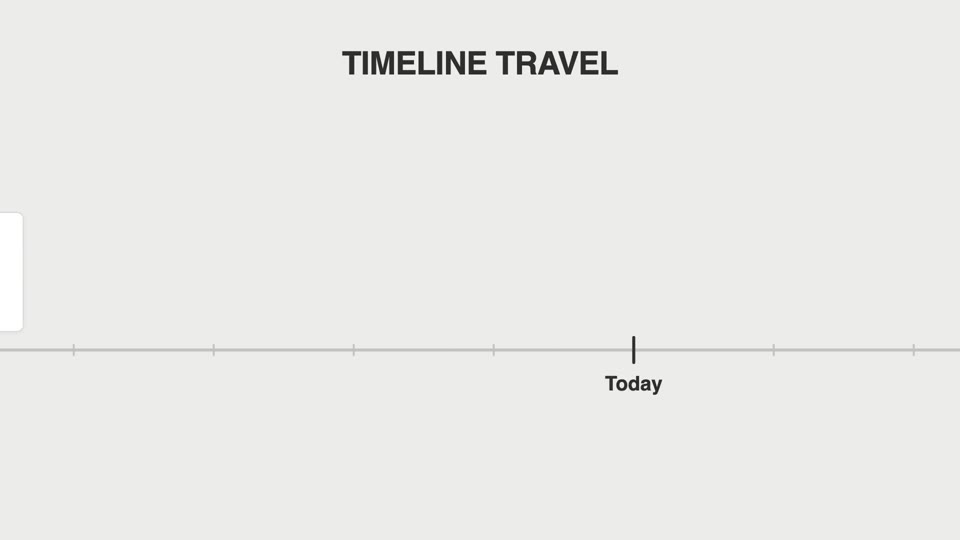
Timeline travel pan
Timeline travel — the camera accelerates along a horizontal ruler axis past version tick marks, a card springs upright and pauses briefly at each tick, and an abrupt stop pushes in on the final tick.
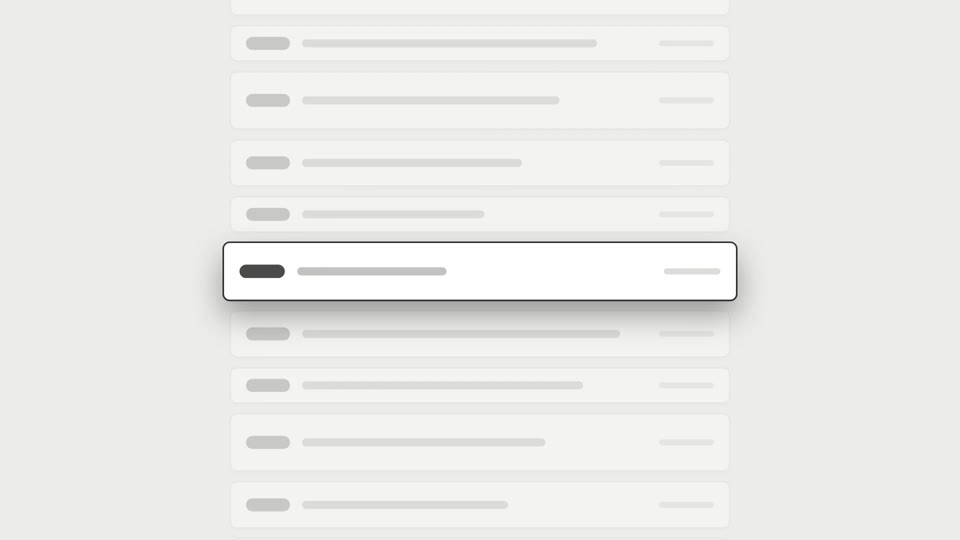
Scroll brake moves
A long scroll decelerates to a precise stop on the latest item; a variant adds a reticle lock on the same frame.
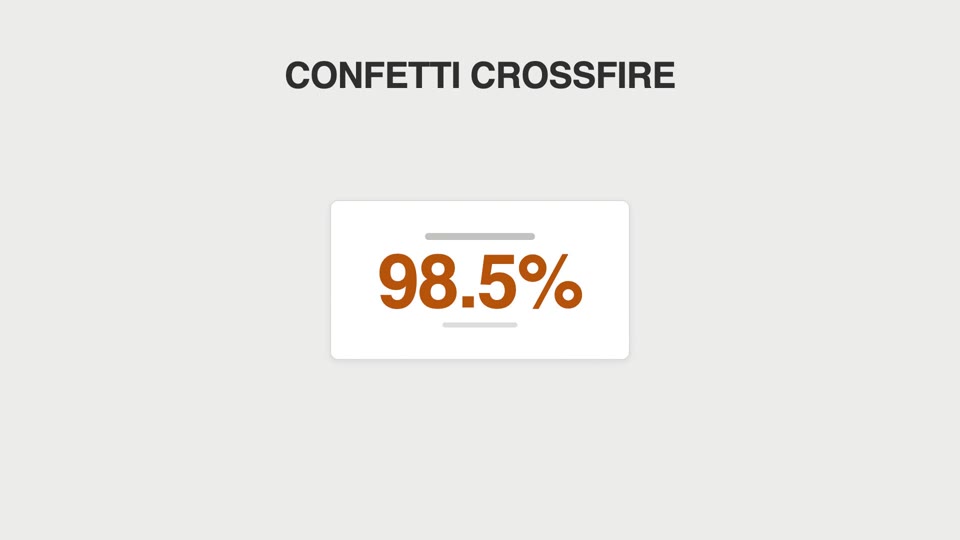
Particle celebration hits
Confetti cannons fire from both sides, or sparks fizz off the counter each time it ticks past a thousand.
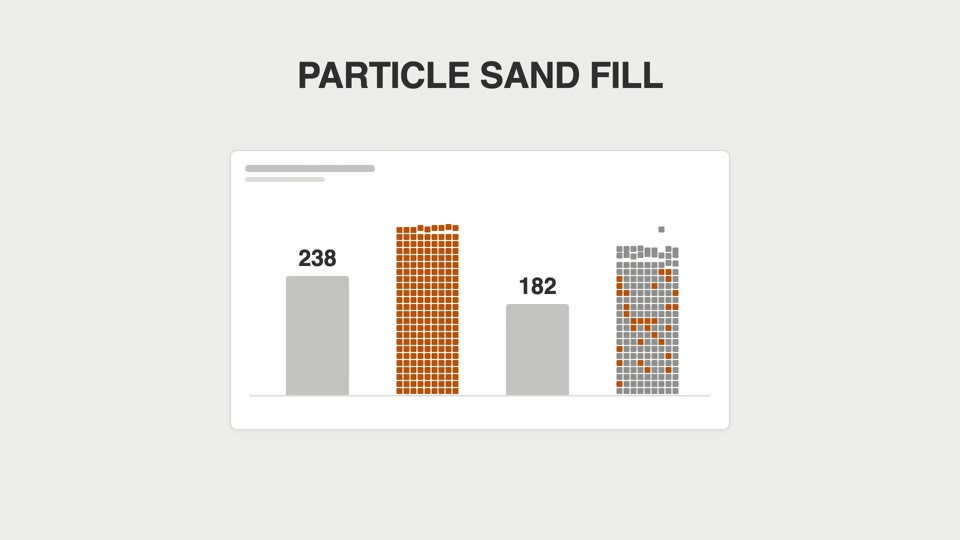
Particle sand-fill bars
Bar charts don't grow tall — they "rain into being": square particles fall one by one and pile up into bars, then solidify.