Motion · Dữ liệu
Thanh kéo so sánh trước/sau
Thanh kéo so sánh trước/sau — hai bản "trước xử lý"/"sau xử lý" chồng lên nhau, thanh chia vụt nhanh rồi quét chậm, bản mới "hiện hình" dần theo vệt thanh đi qua.
Nguồn: video-shotcraft (Vincent Wei) ↗ · Apache-2.0 · Composition Remotion (React/TSX) — có video preview, không có player trong trình duyệt
Khi nào dùng
Đoạn so sánh hiệu quả cho tính năng tăng cường/tối ưu/tái cấu trúc bằng AI ("trước dùng vs sau dùng" kể trong một cảnh).
Ý đồ
Ngữ pháp so sánh chuẩn của phim ra mắt sản phẩm AI ảnh: cùng một khung hình "trước xử lý" (xám mờ, tương phản thấp) và "sau xử lý" (rõ nét) chồng lên nhau, thanh chia dọc có tay cầm tròn vụt nhanh từ mép trái đến 70% (vọt quá rồi bật lại), dừng một nhịp, rồi quét chậm trở lại với tốc độ khoảng 1/5 để người xem nhìn rõ khác biệt — đối lập tốc độ giữa vụt nhanh và quét chậm chính là nhịp điệu: vụt nhanh tuyên bố "đã thay đổi", quét chậm chứng minh "thay đổi ở đâu".
Thời lượng & năng lượng
- Thời lượng: 4–5s
- Năng lượng: Trung bình (cú vụt nhanh là điểm va chạm, cú quét chậm là thời gian đọc).
Công thức cảnh quay (bản gốc tiếng Trung — timing, easing, bảng tham số, lỗi hay gặp)
意图
AI 图像产品发布片的标准对比语法:同一画面"处理前"(低对比灰蒙) 与"处理后"(清晰版)叠放,带圆手柄的竖分割杆先从左端猛甩到 70% (overshoot 回弹)、停一拍,再以约 1/5 的速度慢扫回来让观众看清 差异——快甩慢扫的速度对比就是节奏:快甩宣告"变了", 慢扫证明"变在哪"。
动作阶段
| 阶段 | 帧段参考 | 内容 | |------|------|------| | 1 静置 | f0–14 | 杆停 8%,画面几乎全是"处理前" | | 2 快甩 | 12f | 8%→76%(out cubic)过冲 | | 3 回弹 | 12f | 76%→70% | | 4 停顿 | ~18f | 让观众看清 after | | 5 慢扫 | ~48f | 70%→40% 二次展示差异 | | 6 定格 | 末 ≥40f | 真静止 |
参数表
| 参数 | 典型值 | 调节手感 | |------|--------|----------| | 速度比 | 快甩 12f vs 慢扫 48f,约 5:1 | 比例 <3:1 节奏对比不可感 | | 揭示 | after 层 clip-path inset 右边界跟随杆 x | 杆和揭示边界错位即穿帮 | | 手柄 | 圆形手柄 + 速度差分驱动 scaleX 微拉伸(峰值 1.18),静止自动归 1 | 拉伸给手柄"被甩"的重量感 | | before 处理 | 低对比灰蒙版 | before 太难看是自黑,"差"要可信(真实旧版/未优化态) | | 角标 | BEFORE/AFTER 角标放内容区 | demo 判例:初版压住侧栏/头像穿帮 |
已知坑
- demo 在灰阶/占位素材上调校通过——参数是调校起点非实战定稿,
首次实战须以真实素材回验
- 两版必须同布局同机位——布局不同读作两个页面,对比失效
(theme-switch-moves 同款约束)
- 实战 before/after 都用真实截图(Q1):before 是注入旧数据/关闭
功能的真实态,不手搓"故意丑"的假 before
- 慢扫终点停 40% 而非 0%——留一段 after 在画面上定格(结论可见)
- 声音:快甩一声 whoosh + 回弹轻 tick,慢扫无声或极轻摩擦音(S4)
参考实现
demos/data/before-after-slider-scrub/ (BeforeAfterSliderScrub.tsx)
Mã nguồn tham chiếu (Remotion)
- demos/data/before-after-slider-scrub/BeforeAfterSliderScrub.tsx — https://raw.githubusercontent.com/Vincentwei1021/video-shotcraft/main/demos/data/before-after-slider-scrub/BeforeAfterSliderScrub.tsx
Component import fixture chung từ demos/_fixtures và helper từ assets/lib của repo; xem SKILL.md trong repo để biết quy trình render.
Mọi thứ trên trang này đều có bản máy đọc. Đưa agent link JSON, hoặc thêm MCP server gimgs rồi bảo nó tìm motion template.
- Tải JSON — trong đó có công thức cảnh quay (timing, easing, bảng tham số, lỗi hay gặp) và toàn bộ source TSX.
- Clone repo video-shotcraft; component import fixture chung từ demos/_fixtures và helper từ assets/lib.
- Đăng ký component thành <Composition> trong project Remotion rồi render bằng `npx remotion render`, hoặc dựng lại công thức bằng engine của bạn.
curl -s https://gimgs.net/motion/before-after-slider-scrub.jsongit clone https://github.com/Vincentwei1021/video-shotcraft
# component: demos/data/before-after-slider-scrub/BeforeAfterSliderScrub.tsx
npx remotion render <CompositionId> out.mp4claude mcp add --transport http gimgs https://gimgs.net/mcp
# then: search_motion_templates / get_motion_template("before-after-slider-scrub")Prompt
Use the video-shotcraft shot recipe "Thanh kéo so sánh trước/sau" (Remotion composition, Apache-2.0) published on gimgs.net.
Recipe JSON (prompt = timing/easing/parameter table/pitfalls, files = TSX source): https://gimgs.net/motion/before-after-slider-scrub.json
Raw TSX: https://gimgs.net/motion/before-after-slider-scrub/template.html
Repository: https://github.com/Vincentwei1021/video-shotcraft  (component: demos/data/before-after-slider-scrub/BeforeAfterSliderScrub.tsx; imports demos/_fixtures and assets/lib)
Spec: 1920x1080, 30 fps, 5.06s

1. Read the JSON and follow its "prompt" section (when to use, intention, parameter table, known pitfalls).
2. Adapt it for: <describe what you want>.
3. Either clone the repo, register the component as a <Composition> in a Remotion project and run npx remotion render <CompositionId> out.mp4 — or re-implement the recipe in your own engine (HTML/WAAPI works: keep the same timing and easing).
// ===== demos/data/before-after-slider-scrub/BeforeAfterSliderScrub.tsx =====
// before-after-slider-scrub —— 前后对比拉杆
// FakeDashboard 两版叠放:before = 低对比灰蒙版("处理前"),after = 正常清晰版。
// 竖分割杆带圆手柄:从左端 8% 快甩到 70%(overshoot 至 76% 回弹),
// 再慢速回扫到 40% 停住。杆经过处 after 揭出(clip-path inset 跟随杆 x)。
// 先快甩后慢扫速度对比是节奏关键。f=110 后全静止(40f)。
import React from 'react';
import { useCurrentFrame, interpolate, Easing } from 'remotion';
import { G, FakeDashboard } from '../../_fixtures/Fixtures';

const CL = { extrapolateLeft: 'clamp', extrapolateRight: 'clamp' } as const;

// 时间轴(杆位置以画面宽度百分比表示)
const T0 = 14; // 前 14f 初始静置,杆停在 8%
const FLING = 26; // 快甩:14→26(12f 冲到 76%)
const BOUNCE = 38; // 回弹:26→38 落到 70%
const HOLD = 56; // 停顿看清
const SCRUB = 104; // 慢扫:56→104(48f 回到 40%)——速度约为快甩的 1/5

const posAt = (f: number): number => {
  if (f < FLING)
    return interpolate(f, [T0, FLING], [8, 76], { easing: Easing.out(Easing.cubic), ...CL });
  if (f < BOUNCE)
    return interpolate(f, [FLING, BOUNCE], [76, 70], { easing: Easing.inOut(Easing.cubic), ...CL });
  if (f < HOLD) return 70;
  return interpolate(f, [HOLD, SCRUB], [70, 40], { easing: Easing.inOut(Easing.quad), ...CL });
};

export const BeforeAfterSliderScrub: React.FC = () => {
  const frame = useCurrentFrame();
  const p = posAt(frame); // 杆位置 %
  const x = (p / 100) * 1920;

  // 手柄挤压:速度差分驱动(快甩期手柄微拉伸,静止归 1)
  const v = Math.abs(posAt(frame) - posAt(frame - 1)); // %/frame
  const squish = 1 + Math.min(v / 8, 1) * 0.18;

  return (
    <div style={{ width: 1920, height: 1080, position: 'relative', overflow: 'hidden', background: G.bg }}>
      {/* before:低对比灰蒙版模拟"处理前" */}
      <div style={{ position: 'absolute', inset: 0, filter: 'contrast(0.55) brightness(1.06) grayscale(1)' }}>
        <FakeDashboard variant="A" />
      </div>
      <div style={{ position: 'absolute', inset: 0, background: 'rgba(160,160,158,0.35)' }} />

      {/* after:正常清晰版,杆左侧揭出 */}
      <div style={{ position: 'absolute', inset: 0, clipPath: `inset(0 ${1920 - x}px 0 0)` }}>
        <FakeDashboard variant="A" />
      </div>

      {/* 分割杆 + 圆手柄 */}
      <div
        style={{
          position: 'absolute',
          left: x - 3,
          top: 0,
          width: 6,
          height: 1080,
          background: '#ffffff',
          boxShadow: '0 0 14px rgba(0,0,0,0.35)',
        }}
      />
      <div
        style={{
          position: 'absolute',
          left: x - 44,
          top: 540 - 44,
          width: 88,
          height: 88,
          borderRadius: 44,
          background: '#ffffff',
          border: `3px solid ${G.border}`,
          boxShadow: '0 6px 24px rgba(0,0,0,0.3)',
          transform: `scaleX(${squish})`,
          display: 'flex',
          alignItems: 'center',
          justifyContent: 'center',
          gap: 10,
          boxSizing: 'border-box',
        }}
      >
        {/* 左右箭头示意(灰阶三角) */}
        <div style={{ width: 0, height: 0, borderTop: '10px solid transparent', borderBottom: '10px solid transparent', borderRight: `14px solid ${G.mid}` }} />
        <div style={{ width: 0, height: 0, borderTop: '10px solid transparent', borderBottom: '10px solid transparent', borderLeft: `14px solid ${G.mid}` }} />
      </div>

      {/* 角标:BEFORE / AFTER 灰块标签 */}
      <div style={{ position: 'absolute', left: 260, top: 100, padding: '10px 22px', borderRadius: 10, background: 'rgba(47,47,47,0.85)', display: 'flex', gap: 8 }}>
        {Array.from({ length: 5 }).map((_, i) => (
          <div key={i} style={{ width: 16, height: 20, borderRadius: 4, background: '#e6e6e4' }} />
        ))}
      </div>
      <div style={{ position: 'absolute', right: 60, top: 100, padding: '10px 22px', borderRadius: 10, background: 'rgba(240,240,238,0.9)', border: `2px solid ${G.border}`, display: 'flex', gap: 8 }}>
        {Array.from({ length: 5 }).map((_, i) => (
          <div key={i} style={{ width: 16, height: 20, borderRadius: 4, background: G.ink }} />
        ))}
      </div>
    </div>
  );
};
- Read the recipePrompt = when to use, intention, parameter table with typical values and how each one feels, known pitfalls. Treat values as calibrated starting points.
- Get the codetool: git
git clone https://github.com/Vincentwei1021/video-shotcraft && cd video-shotcraft && npm install - Register + rendertool: remotion
npx remotion render <CompositionId> out.mp4 # component: demos/data/before-after-slider-scrub/BeforeAfterSliderScrub.tsx - Or re-implementPort the timing/easing from the recipe to HTML + WAAPI (gimgs motion contract) or any engine; keep the same segment windows and easing.
| param | type | default | description |
|---|---|---|---|
| — | |||
Cùng danh mục
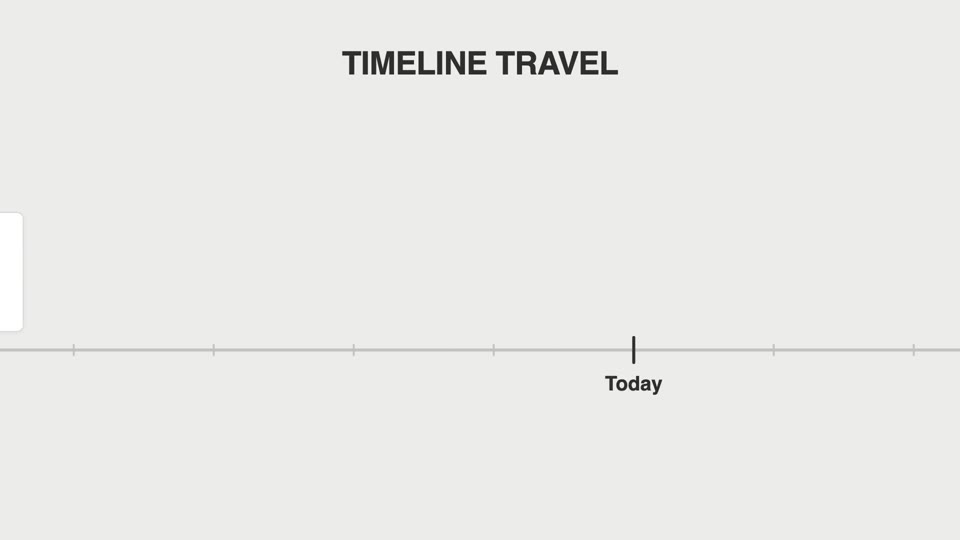
Lia dọc trục thời gian
Lia dọc trục thời gian — máy quay tăng tốc dọc theo trục thước ngang lướt qua các mốc phiên bản, mỗi mốc thẻ bật đứng dừng ngắn, mốc cuối phanh gấp đẩy máy vào.
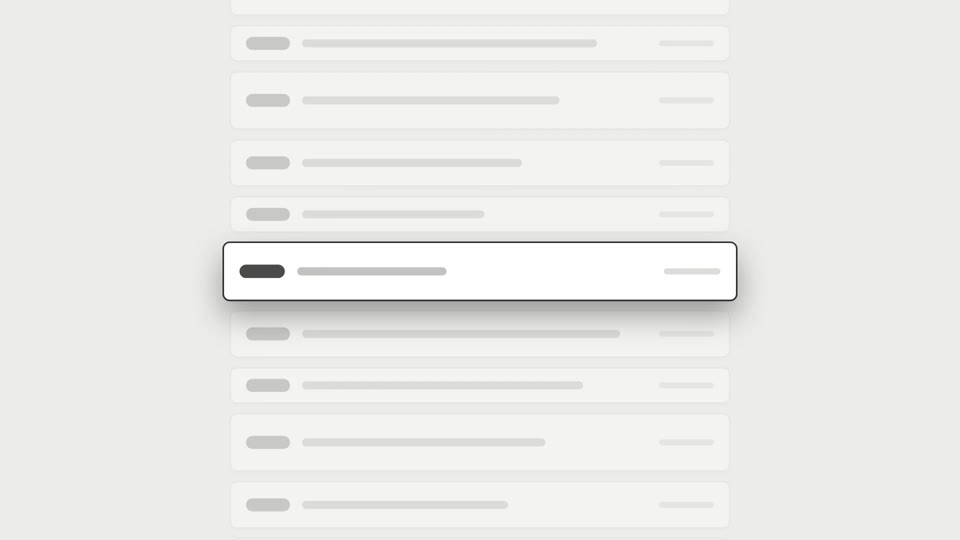
Cuộn phanh gấp danh sách dài
Hai kiểu phanh cuộn dài: changelog-scroll-brake giảm tốc dừng chính xác; brake-reticle-lock thêm khóa tâm ngắm trên cùng khung hình.

Vòng đồng tâm hé lộ chú thích
Chủ thể toàn màn hình bị khung tròn thu lại thành sơ đồ vòng đồng tâm, rồi cả nhóm dịch trái thu nhỏ để lộ chú thích.
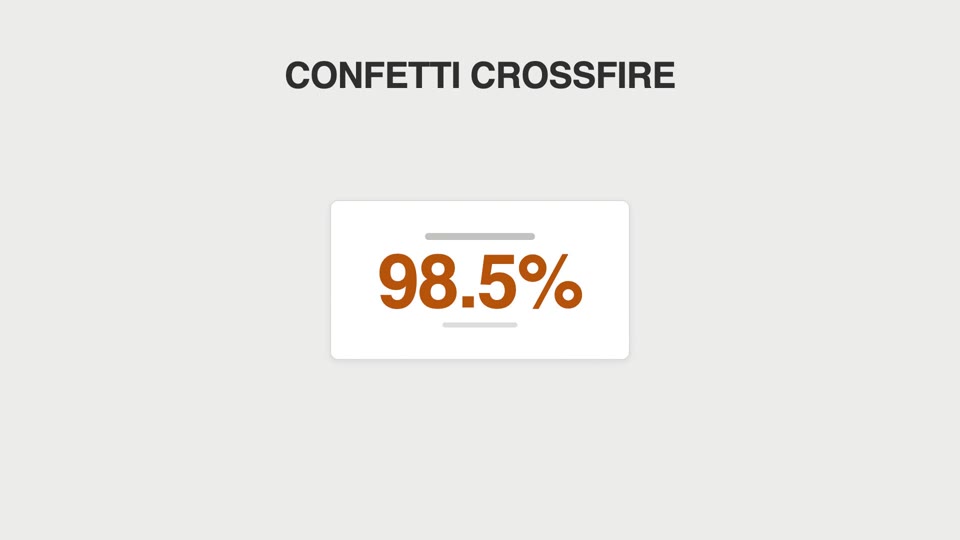
Va chạm ăn mừng bằng hạt
Hai kiểu hạt ăn mừng: confetti-crossfire bắn pháo hai bên, và counter-tick-sparks bắn tia lửa mỗi khi bộ đếm vượt mốc nghìn.